
Moving house with Starlink
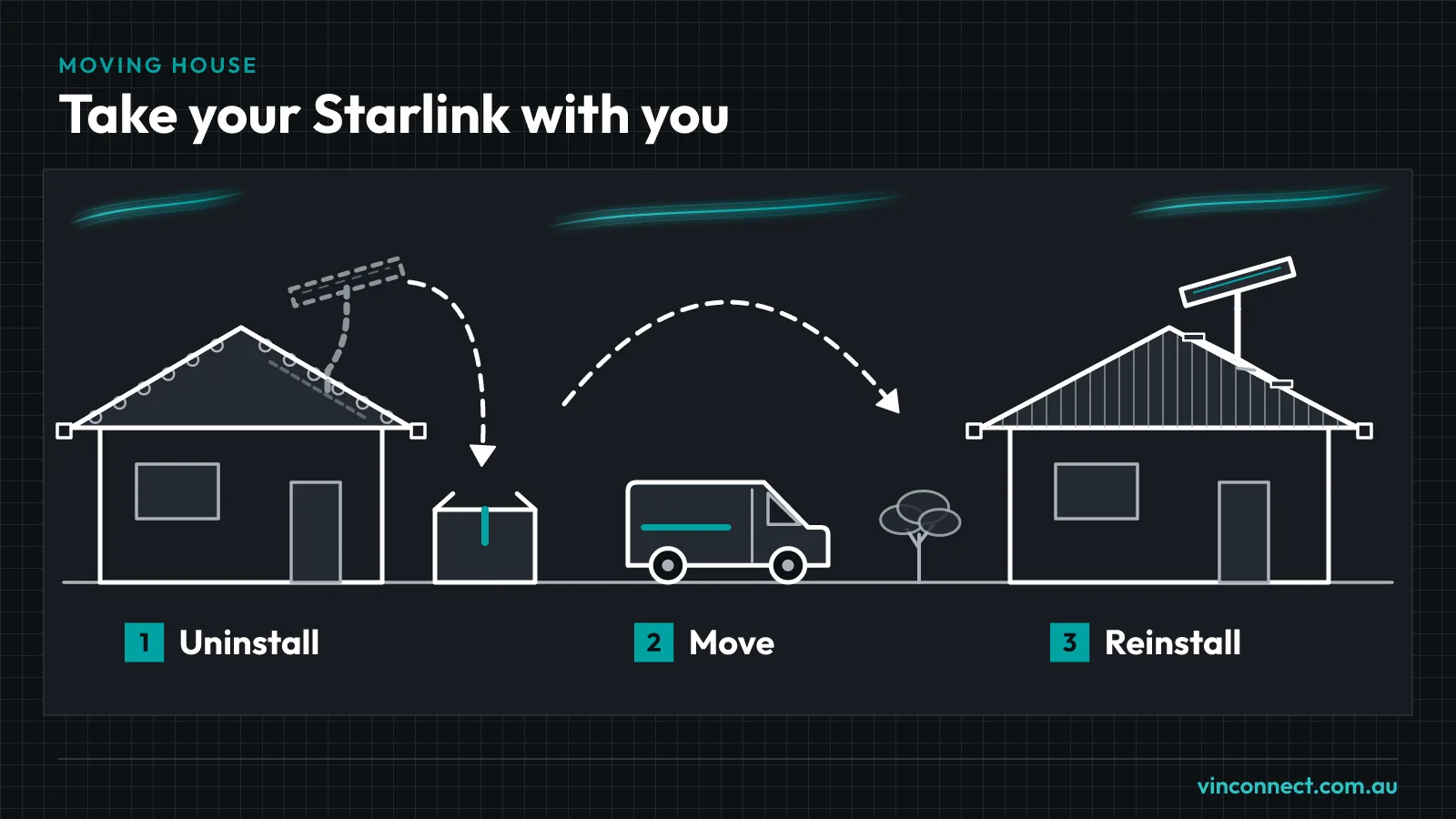
Your Starlink kit can come with you. We take it down at the old place, pack it with the cables labelled and put it back up at the new one.
The uninstall is $250. The install at the new place is the same price as a new job. Use Get my price. Travel depends on your address, and we show it in your quote. Moving within 10 km on the same day? The uninstall drops to $200.
Work out your price
Your price
- 1. The job
- 2. Your price
- 3. Email sent
Before you book: check the new address
Check the new address on Starlink's coverage map at starlink.com/map before you move anything. Some areas are full or not active yet. Changing your service address switches off service at the old place, and you might not be able to switch back. So check first, and change the address once you're ready to go.
Changing your service address
- On the website: log in, go to Subscriptions, select your subscription, click Edit under Service Location, enter the new address and save
- In the app: open the menu at the top left, select Manage Subscription, tap Service Location, enter the new address and tap Set Service address
It can take 15 to 30 minutes to show in your account. If it fails, the new location may be full or not active yet. Starlink only guarantees service at the address on your account.
At the old place
- The dish, mount, cable and router come down
- Everything is packed, with the cables labelled so the new install goes quickly
- Tile roof: the bracket comes off the truss and the tile slides back. Colorbond: the tripod comes off and the existing screws go back in. Fascia: bolt holes filled
- The cable entry hole is filled. Conduit and wall plates come out or stay, your call
At the new place
We install it like any new job. Use Get my price. If your old mount suits the new roof, we'll reuse it. If it doesn't, a new mount is extra and we'll tell you before we start.
One booking covers both ends
Book once and we'll organise both jobs, as long as both addresses are in our service area: south-east Melbourne, the Mornington Peninsula, Western Port, Bass Coast and Gippsland. They can be on the same day or a few days apart, depending on when you get the keys.
Same-day move within 10 km
Moving within 10 km? Book both ends on the same day and the uninstall is $200 instead of $250, plus the usual install price at the new place.
Example: same day, within 10 km, the uninstall is $200, then the install price. Plus a mount if needed. Travel depends on your address, and we show it in your quote.
Book a same-day moveQuestions
- How much does it cost to move Starlink?
- $250 to take it down, then the install price at the new place. A mount is extra if needed. Travel depends on your address, and we show it in your quote.
- How does the same-day discount work?
- If the new place is within 10 km and we do both ends on the same day, the uninstall is $200 instead of $250. You still pay the normal install price at the new place.
- Can I take the mount?
- Yes, it's yours. A different roof may need a different mount, though. We'll tell you if yours can be reused.
- Do I need to change my plan?
- Usually you just update the service address in your Starlink account. If the new address can't take your plan, check what's offered there before you move.
- What if the new address has no capacity?
- Keep the kit until it opens up. You could pause with Standby mode for a small monthly fee, though it doesn't hold a Residential spot. Or cancel and sell the kit.
- Should I tell the new owners or landlord about cabling I leave in?
- Yes. Let them know what's left in the wall or ceiling and where it runs. It saves the next person time and avoids surprises.
- Do I need to be home for both jobs?
- Someone needs to let us in at each end, and we'll need power on at the new place to test the dish.
Book your move
Tell us both addresses and your moving date. We'll confirm the price before we start.