
Wi-Fi drops out in the back rooms
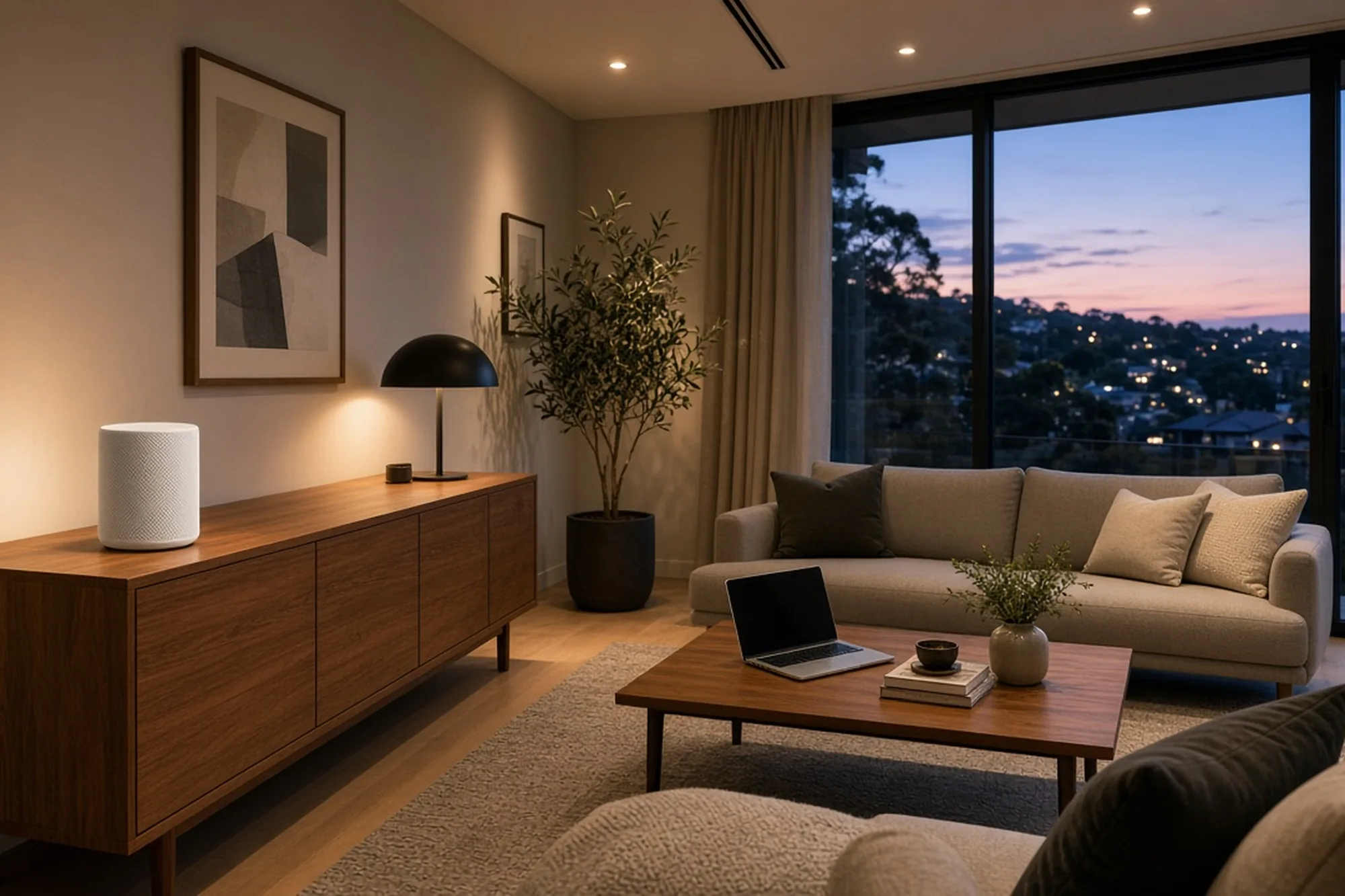
The living room works. The bedrooms and study lose signal.
Sound familiar?
The living room works. The bedrooms and study lose signal.
A metal cabinet can weaken the signal before it reaches the house.
Your incoming internet speed may be fine. We compare wired and Wi-Fi results.
We find where the outlets lead, test them and put suitable cabling to use.
We check the router, Wi-Fi and existing wiring before you settle in.
Video calls, printers and devices need a dependable connection.
How we work
We work out whether the issue is your incoming connection or the Wi-Fi around the home.
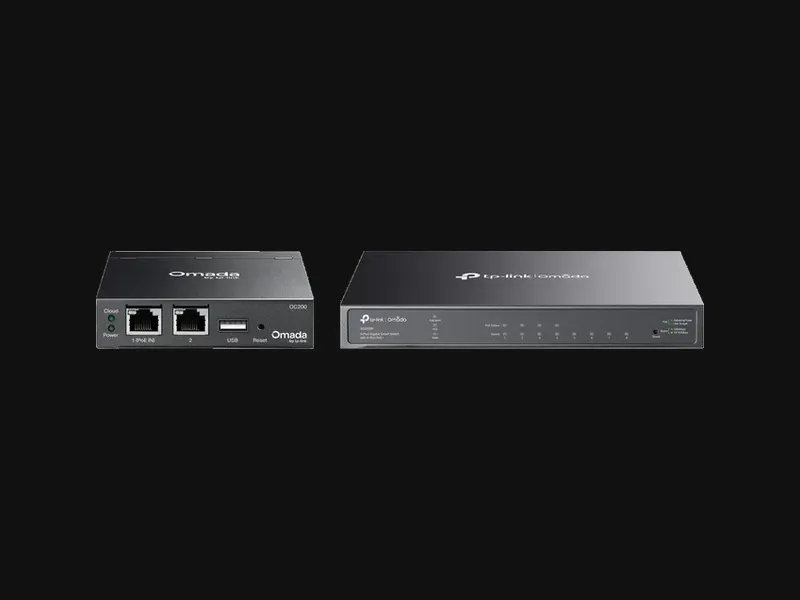
We compare a wired test at suitable network equipment with your Wi-Fi performance.
We check the office, living areas and rooms where the signal drops.
We look at router position, data outlets, cabling and any existing mesh units.
You get clear findings and a price before any extra work starts.
Clear starting prices
The $150 health check is credited towards repair or upgrade work completed during the same visit. If no work goes ahead, the $150 visit fee applies.
$150
Onsite testing, coverage check and findings. Up to 60 minutes.
Ask about this service →From $180
Using suitable existing Ethernet outlets. Extra wiring quoted separately.
Ask about this service →From $200
Router configuration and checking existing outlets. Provider activation excluded.
Ask about this service →From $250
Installation and setup of a customer-supplied mesh system.
Ask about this service →From $180
Per point where access allows. Cable route and scope confirmed first.
Ask about this service →Quoted after inspection
Where additional cable runs are needed, we assess access and confirm the price first.
Ask about this service →Prices are starting rates for suitable local jobs. Hardware, new cabling and extra travel may cost more. We confirm the scope and price before work starts.
Your router might be trapped in a garage cabinet. We check whether existing Ethernet can bring it into a better room. We also plan how the other outlets connect.
We test wall points, find their cabinet connections and connect suitable outlets for TVs, offices and access points.
See data points and Ethernet →Extra Wi-Fi points help where one router cannot cover the home. Wired backhaul may improve reliability between units.
See mesh installation →We check installed data points, connect your own router and configure Wi-Fi. Your internet provider handles service activation.
See NBN-ready home setup →A shed or granny flat may need its own link. We assess the buildings before choosing cables or a wireless bridge.
See whole-property Wi-Fi →Pearcedale
Starlink at the house, with Wi-Fi extended to the shed and workshop on a five-acre block.
See the Pearcedale job →Get in touch
Tell us what is happening and where you need coverage. We will get back to you about the next step.
Health check $150 — credited towards same-visit work.
Prefer to talk? 0408 559 555
Based in Cranbourne. We work across Melbourne's south-east, the Peninsula, Bass Coast and Gippsland. Travel is confirmed before booking.
VINCONNECT isn't affiliated with Starlink or SpaceX. VINCONNECT isn't endorsed by TP-Link or Omada.