Starlink and stable Wi-Fi in three steps
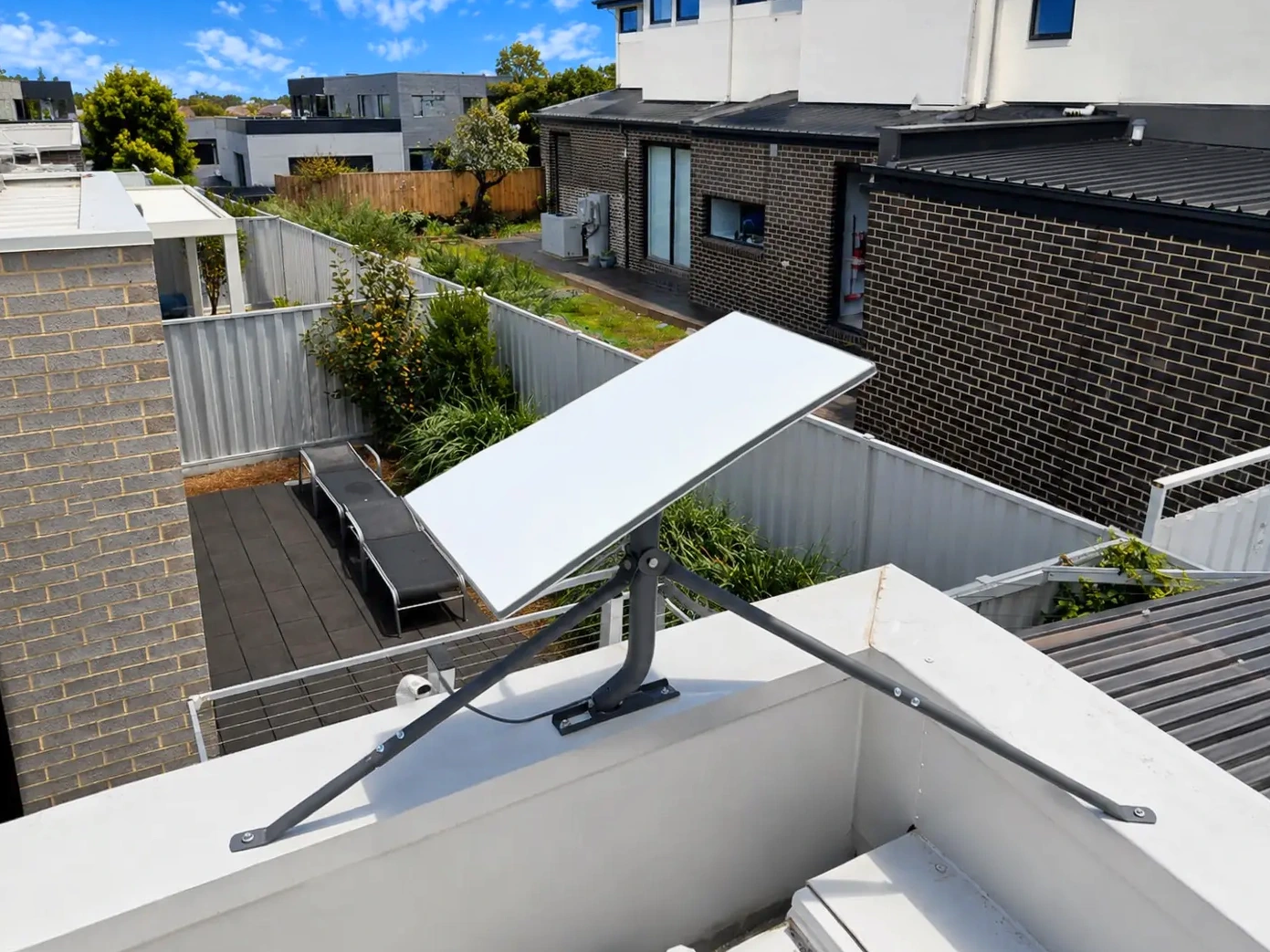
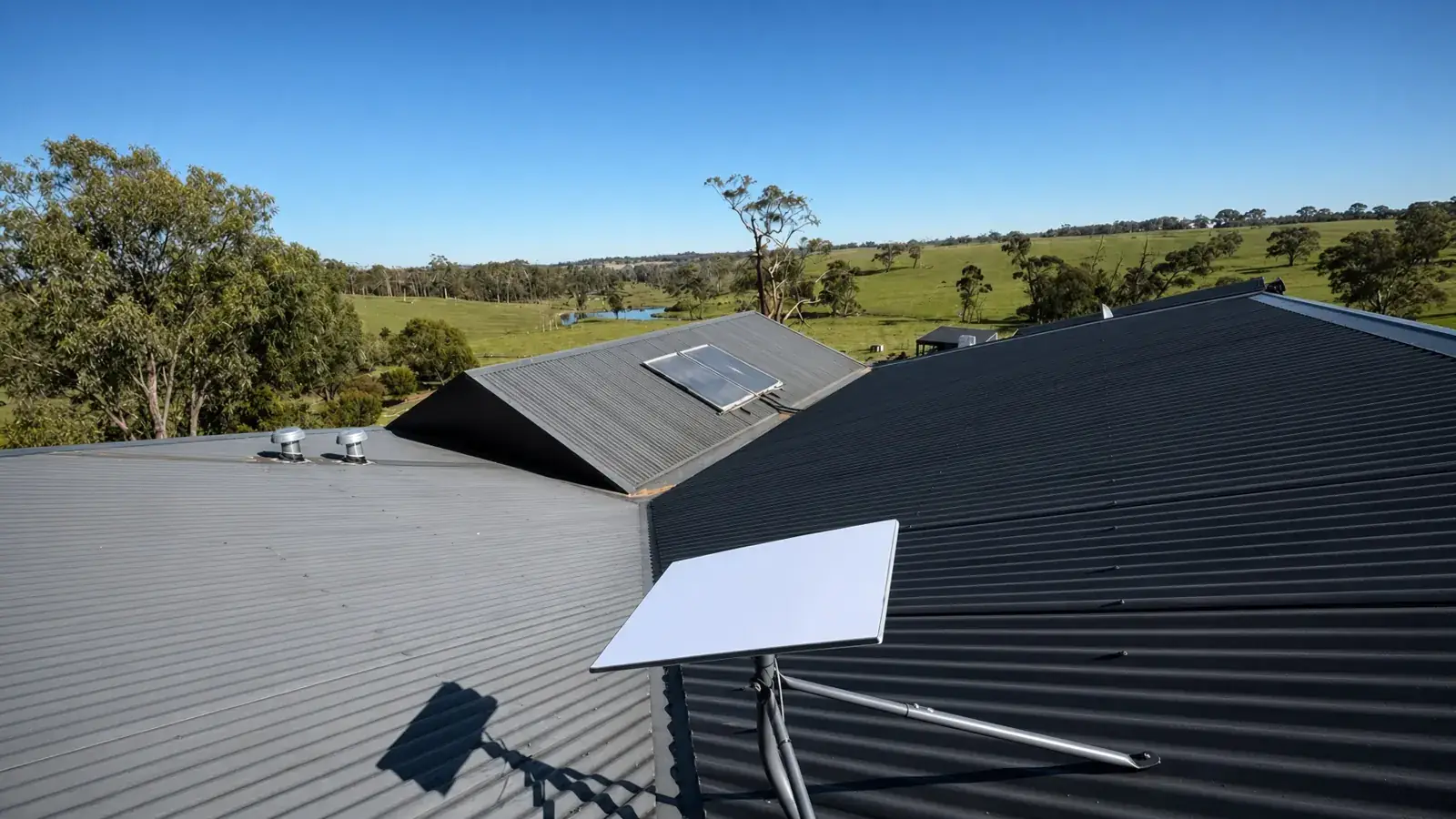
- Starlink on the house. On Colorbond, the dish goes on a tripod tied to the existing roof screws. On tile, it goes on an under-tile mount. See our roof, wall and tripod mounts.
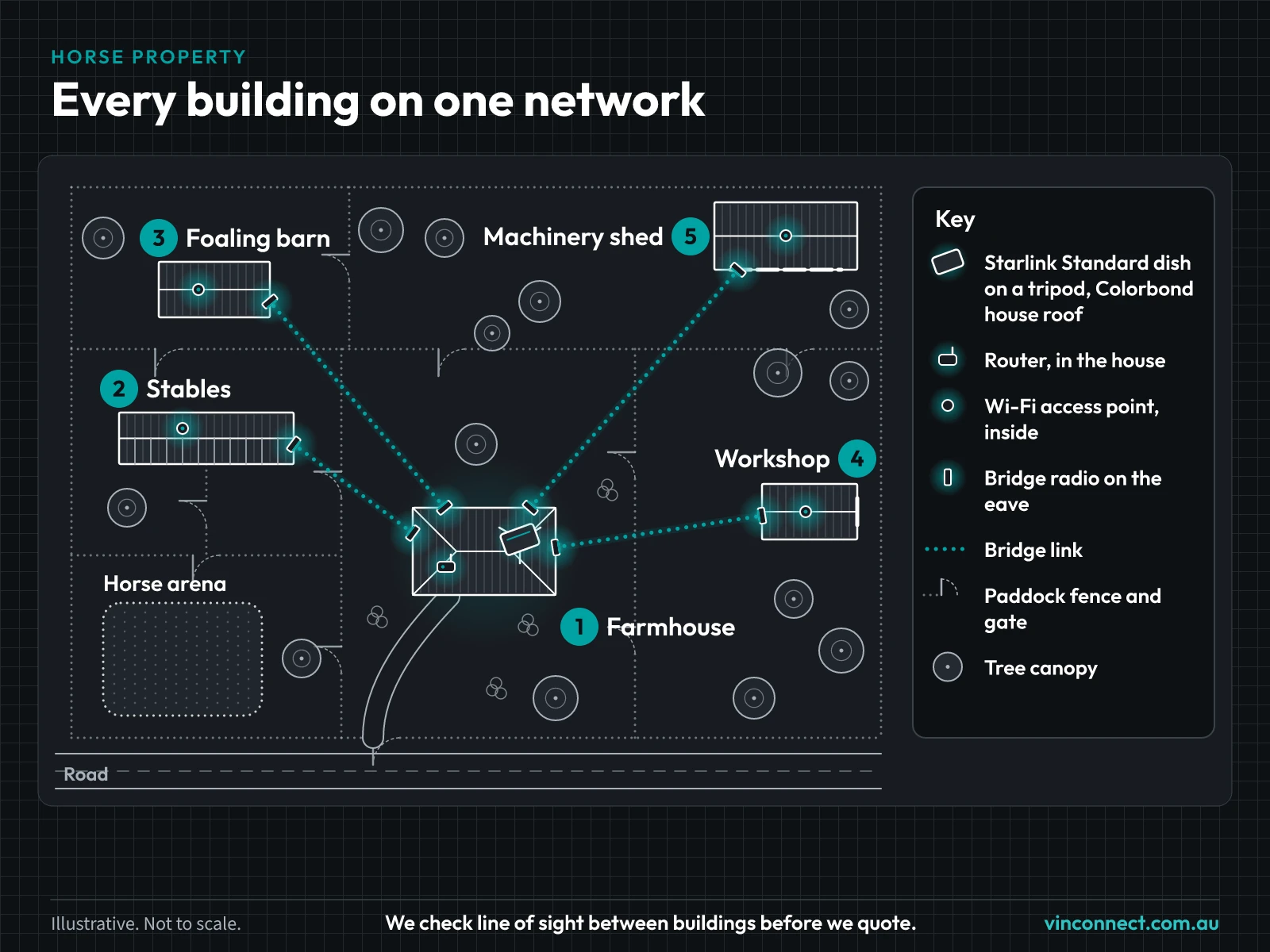
- Wireless links to your buildings. Bridge radios carry the connection from the house to each outbuilding, with no trenching. Here's how a point-to-point link works.
- Wi-Fi inside. An access point in each building that needs it, set up as one managed network.
Need Wi-Fi through the house as well? See whole-property Wi-Fi. Running a farm rather than horses? See rural connectivity.
Omada gear we use for horse property links
- On the roof: a Starlink Standard dish on a tripod (Astrogear or Hills) tied to the existing Colorbond screws, so no new holes go through the roof sheet.
- Links to outbuildings: bridge radios from the house to each building, or to several buildings in the same direction. We mainly use TP-Link Omada EAP215-Bridge kits, with UniFi Building Bridge or UISP airMAX bridges as the alternative. We work out the layout from your site plan. More on our building-to-building wireless links.
- Inside each building: a TP-Link Omada EAP613 indoor access point (UniFi U6 or U7 indoor models as the alternative).
- Switching and power: each building with a radio or access point needs a power point. Radios run on surge-protected power, and access points are powered from a PoE switch.
- Distances: We check line of sight and distance on site before we quote.
- Price: Enter your address in Get my price for the Starlink install price, plus mounts. The estimator shows mount costs for your roof. The bridge links and network are quoted after a site check.
A sample horse property with four outbuildings
Hypothetical example. Not a real customer.
A horse property with a single-storey Colorbond house and four outbuildings: a stable block, a tack room, a float shed and a round-yard shelter with a camera. The dish goes on a tripod on the house roof. Bridge radios on the house link to each of the four buildings. Each building that needs Wi-Fi gets an indoor access point, and the camera at the round yard uses the same network, powered from that building. (More on cameras on horse properties.) The access points are set up as one network the owner can manage from the Omada app.
Mark your stables and sheds on the planner
Drop a pin on the house. Mark the stables, sheds or gates you want connected, then send it through. We check line of sight and distance before we quote. Prefer a bigger screen? Open the property planner on its own page.
Horse property internet questions
- Do you need line of sight to every building?
- Yes. Each wireless link needs a clear view between the two radios. We check it on site before we quote. If trees or buildings are in the way, we'll tell you what will work.
- Can I run cameras off the links?
- Yes. Cameras at the stables or arena can use the same network over the link, powered from a PoE switch or injector in a nearby building. Gate cameras without power nearby are planned case by case. For horse properties, see our Stable Watch camera package.
- Do the outbuildings need power?
- Yes. Each building with a radio or access point needs a power point, so the gear can run on surge-protected power. If there isn't one, a new power point has to be installed by a registered electrician. We'll tell you at the site check. Solar can work in some cases, and we assess it case by case.
- How much does it cost?
- Enter your address in Get my price for the Starlink install price, plus mounts. The estimator shows mount costs for your roof. The links and Wi-Fi depend on the property, so we quote them after a site check.
Get a quote for your horse property
Tell us about your property and we'll check what's possible before we quote. Check whether we cover your area on our service areas page, for example Cranbourne or the Gippsland region.