Internet out to the shed
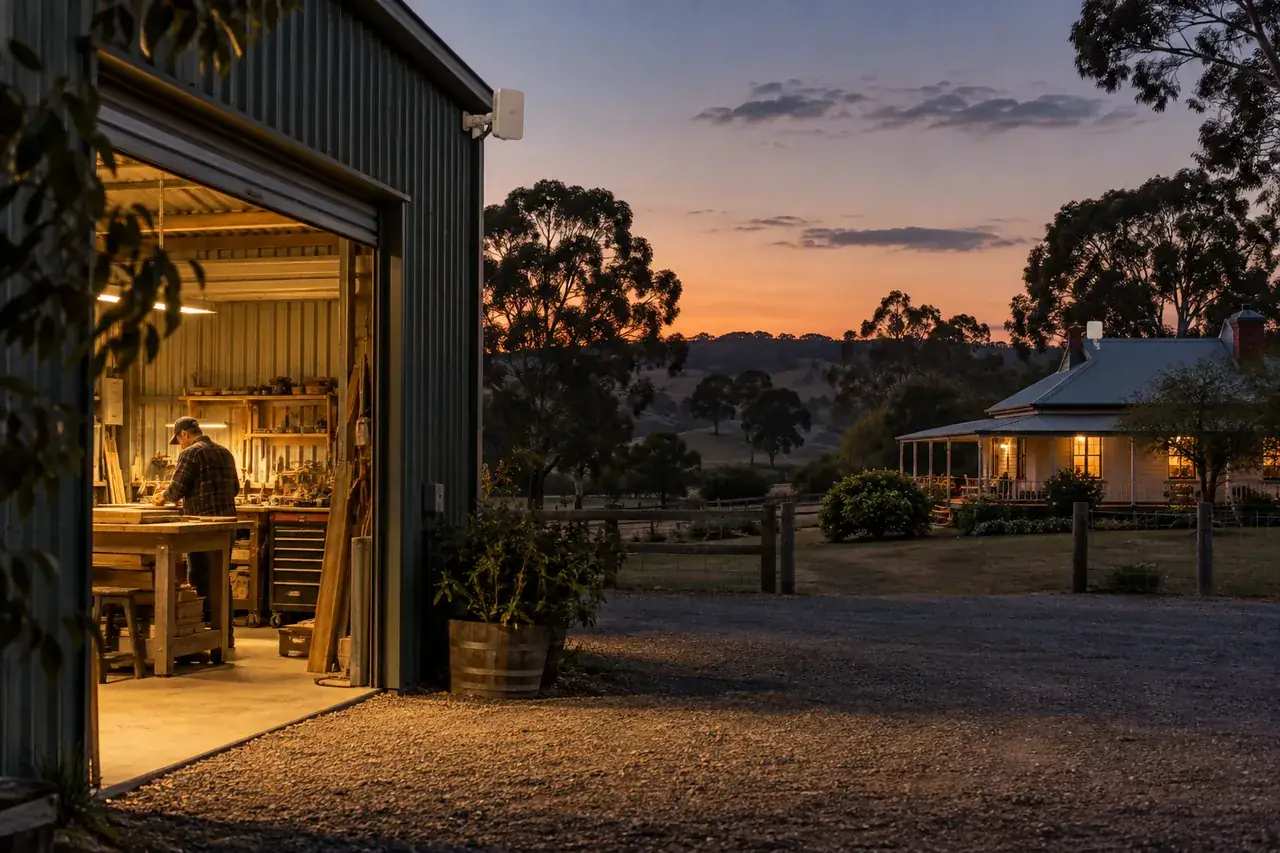
The house has internet. The shed, stable or workshop does not. A wireless link carries the connection to that building without a trench across the yard.
- Point-to-point links for sheds, stables, offices and granny flats
- We check line of sight before ordering any hardware
- Managed outdoor radios made for building-to-building links
- Surge-protected power, with a power point at each end
Internet to the shed. Wi-Fi inside it.
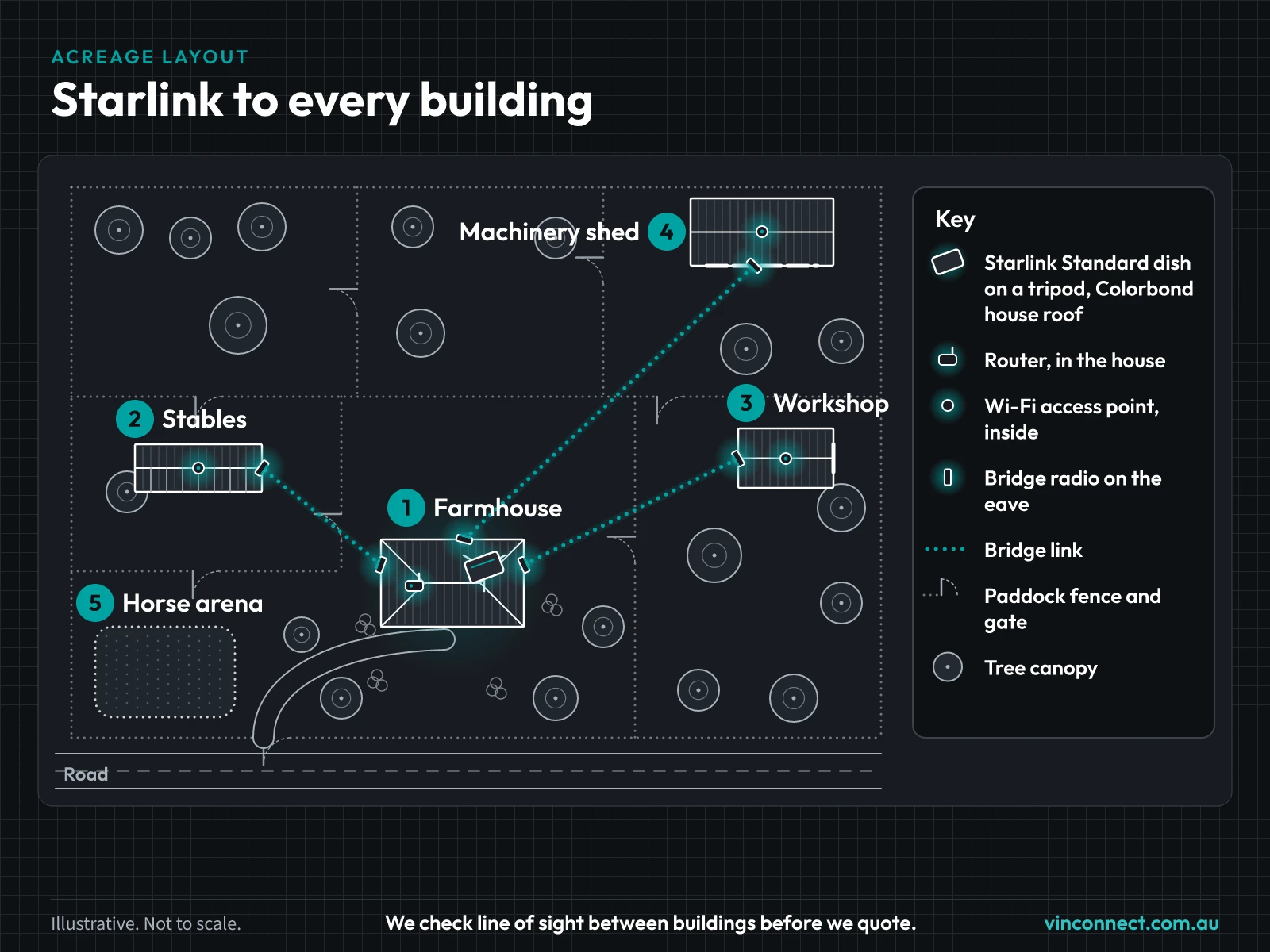
A wireless link carries the internet to the shed. If people, cameras or machines need coverage inside, the shed also needs its own access point. We can quote both together.
No trench across the yard
Trenching across driveways and paddocks is a big job, and a buried cable can be damaged later. With a clear line of sight, a wireless link is often the quicker, tidier option.
How we do it
If the house Wi-Fi drops out before it reaches the shed, this is the fix. Distance is rarely the limit on a rural block; a clear line of sight is what matters. We check line of sight and distance on site before we quote. We use TP-Link Omada EAP215-Bridge kits, with UniFi Building Bridge or UISP airMAX as the alternative. Mark both buildings in the property planner and we'll take it from there.
Radios run on surge-protected power, which needs a power point at each end. A new power point is a registered electrician's job, and solar is case by case.
TP-Link Omada
A network the cameras can use
Often it's the network, not the camera, that holds CCTV back. A camera in the shed, the stable or at the gate needs a link, power and a switch first.
The prices below are for the installed job. Your final price depends on distance, line of sight, mounting, cable, power, switching, the number of buildings and whether you want a controller.
The gear
The gear we use for links between buildings, outdoor Wi-Fi and switching.

EAP215-Bridge Kit
Joins two buildings that can see each other.
- Band
- 5 GHz
- Path
- Point-to-point
- Check
- Line of sight and Fresnel clearance. Real throughput varies.

EAP211 Bridge
A building-to-building bridge for shorter paths.
- Role
- Building-to-building bridge

EAP610-Outdoor
Wi-Fi for the yard or the front of the shed.
- Role
- Outdoor Wi-Fi

EAP650-Outdoor
Outdoor Wi-Fi for a yard, a verandah or the front of a shed.
- Role
- Outdoor Wi-Fi

SG2008P
A PoE switch that powers cameras and access points in the house, shed or cabinet.
- Role
- PoE switching

OC200
One place to see the whole network.
- Role
- Managed network controller
Installed prices
Installed
Outdoor Wi-Fi AP
from $599 installed
One outdoor access point, mounted and added to your network.
- Mounting
- Cable and power for that point
- Set up on your existing or new network
Installed
Building-to-building link
from $899
A wireless link between two buildings that can see each other.
- Radios at both ends
- Aiming
- We check the far building is online before we leave
Installed
Long-range or complex link
from $1,190
A longer path, a trickier aim, or more than two buildings.
- Path check
- Mounting to suit the span
- Commissioning

Installed
Omada managed network
from $1,490
Controller, switching and Wi-Fi set up as one network.
- Controller
- Your on-site gear added to the controller
- A walk-through of the controller

Quote
Multi-building site design
Quote
Several buildings, several links, or a property we need to map before we price it.
- Buildings and paths marked
- A written scope
Projects
- CranbourneCiaron Maher RacingOne network across several buildings: Starlink as the main connection, wireless bridges, several Omada access points on one Wi-Fi name, and remote management.
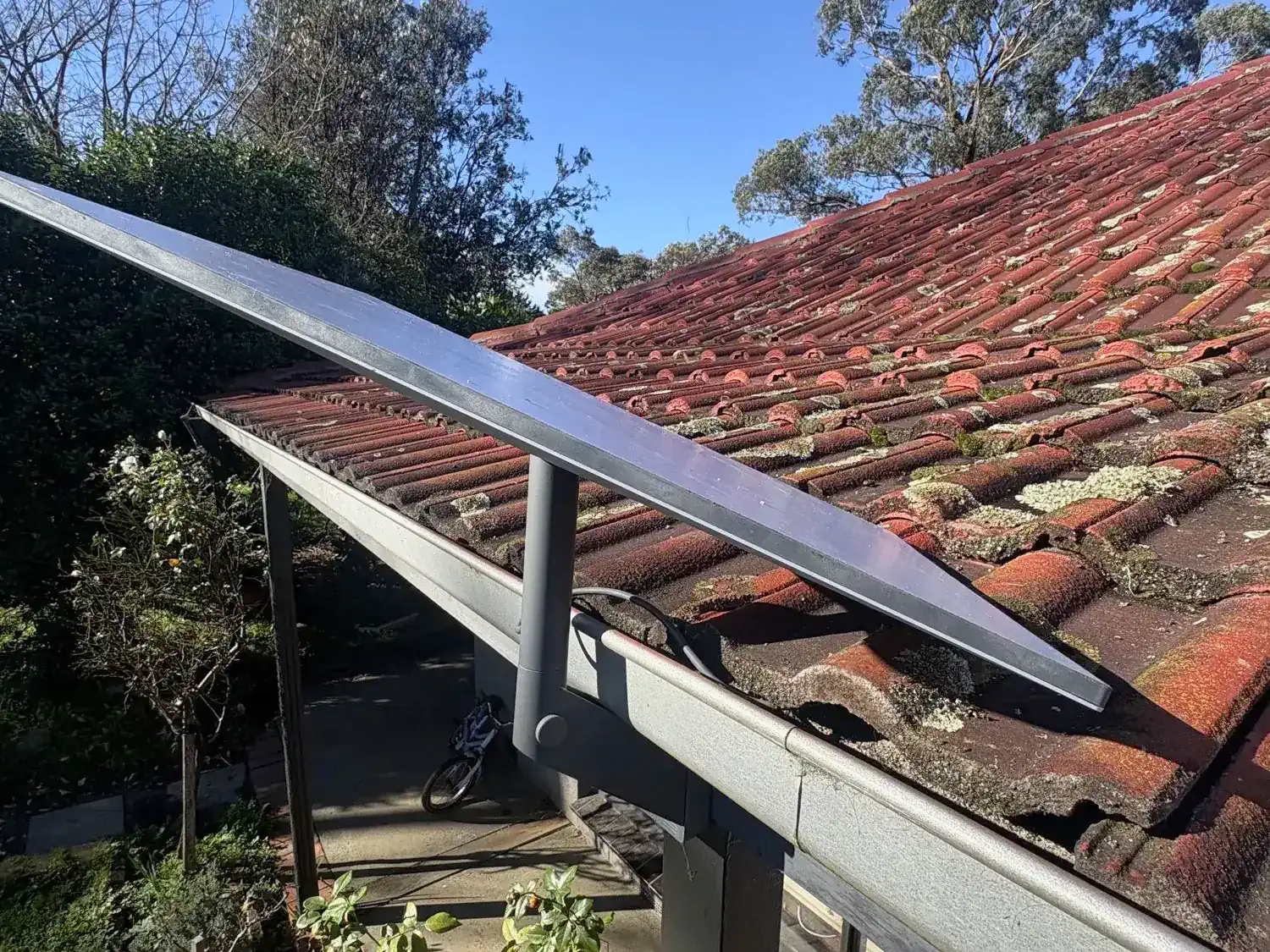 PearcedalePearcedale five-acre propertyStarlink at the house, with Wi-Fi extended to the shed and workshop on a five-acre block.
VINCONNECT isn't endorsed by TP-Link or Omada.
Questions
- Will an indoor mesh unit reach the shed?
- Not reliably. If the shed can't pick up the house Wi-Fi, it needs a wireless link or a cable, plus its own access point if people or cameras need coverage inside.
- How do I ask for a camera plan?
- Tell us the property, how many cameras and what you want to see. We'll reply with a plan.
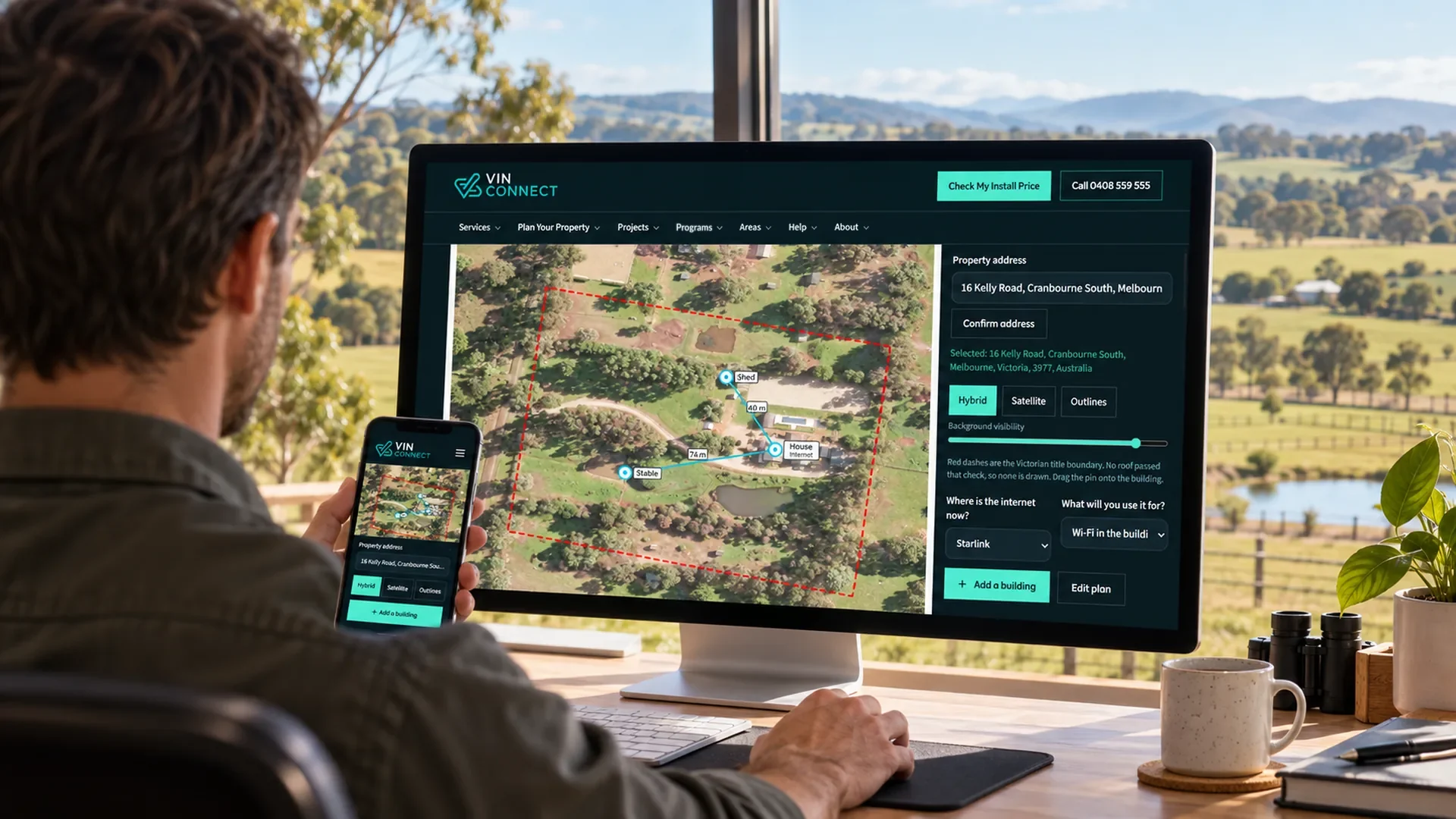
Mark the house, the shed and the gate.
Map your home, shed, stable, office or gate before we quote your network. Drop a pin on each building. We check line of sight and distance on site before we quote, so we can tell whether house Wi-Fi will reach or a building needs its own link.
Example only: House → Stable → Gate