We agree on the cable route before any work starts. External cable in conduit costs $99 for up to 5 m. Longer runs are quoted.
Weak Wi-Fi in the back rooms?
Your Starlink Wi-Fi starts at the router. Brick walls, a second storey or a long house can leave the back rooms weak. The fix is usually more Wi-Fi points, not a bigger router.
Homes and small acreage: we like Starlink's own mesh routers. Plug one in, open the Starlink app and tap Pair when it finds it.
Your own mesh system: TP-Link Deco or Netgear Orbi can run behind the Starlink router, with Bypass mode turned on in the Starlink app.
Larger properties, sheds, outbuildings and commercial sites: UniFi or Omada, with a wireless link or a cable to each building.
Brand names are used only to describe products. VINCONNECT isn't affiliated with Starlink, SpaceX, Netgear or Ubiquiti, and isn't endorsed by TP-Link or Omada.
On the day
1
Your price first
The price is agreed before we book the day.
2
The mount
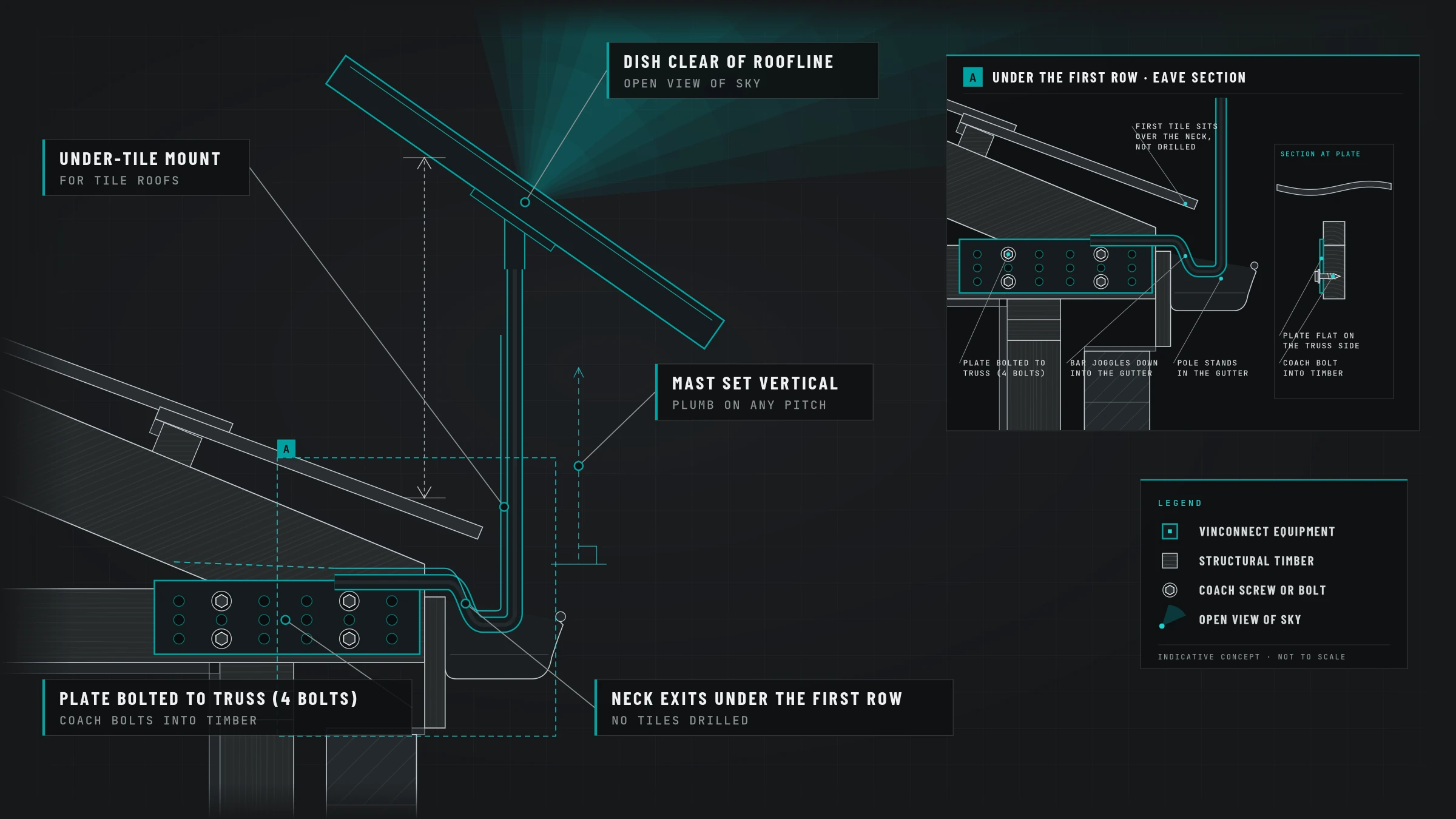
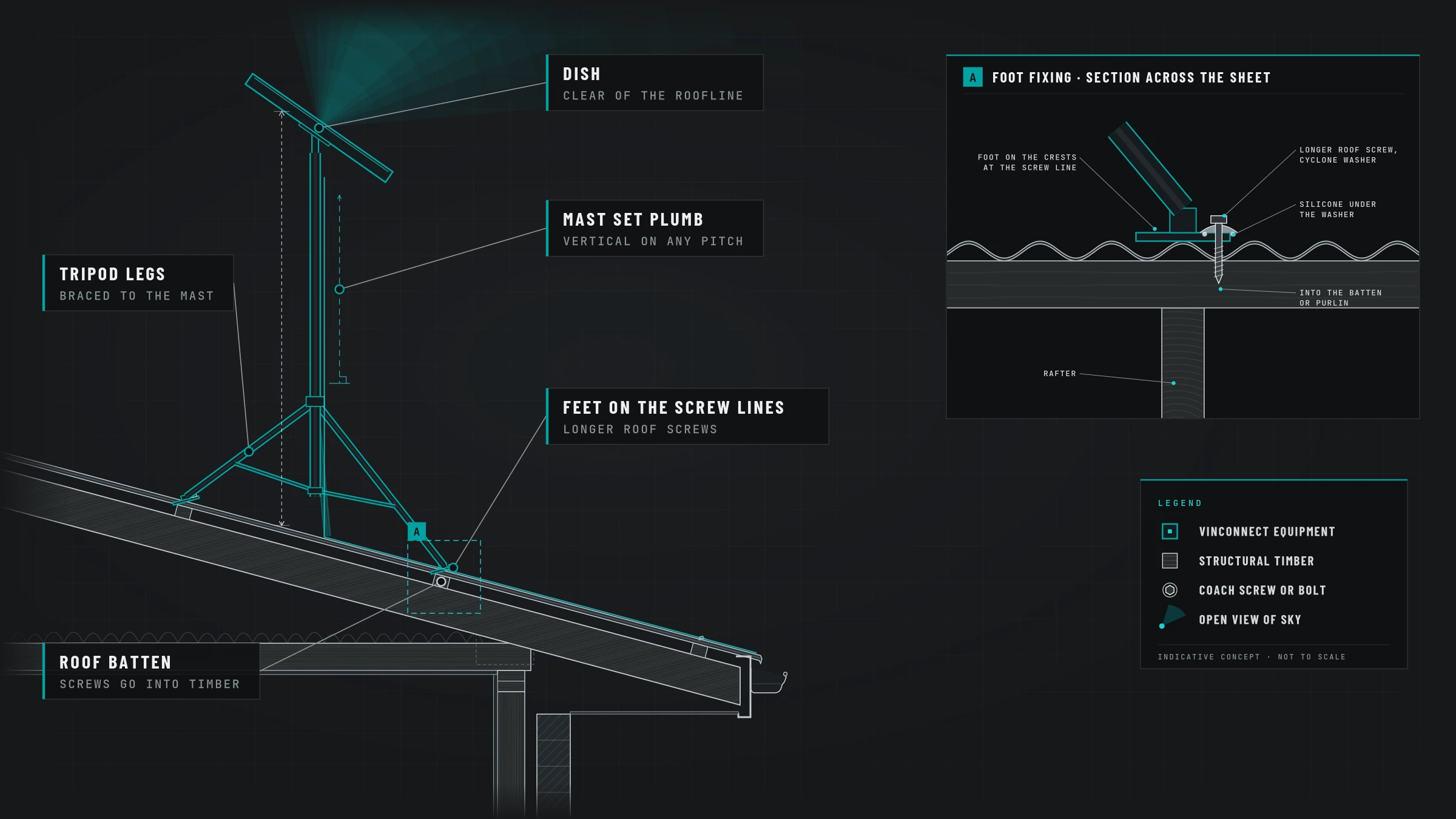
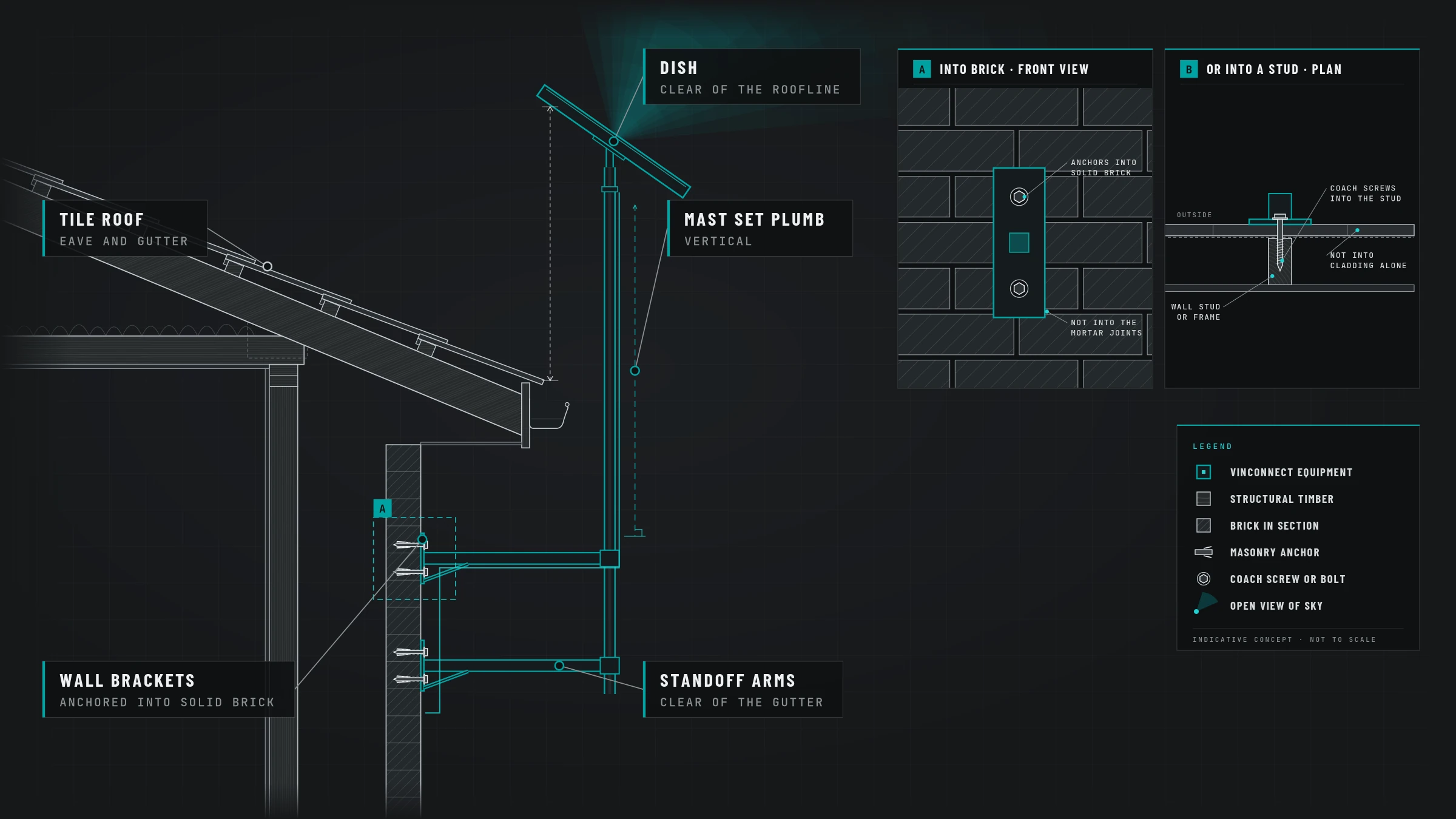
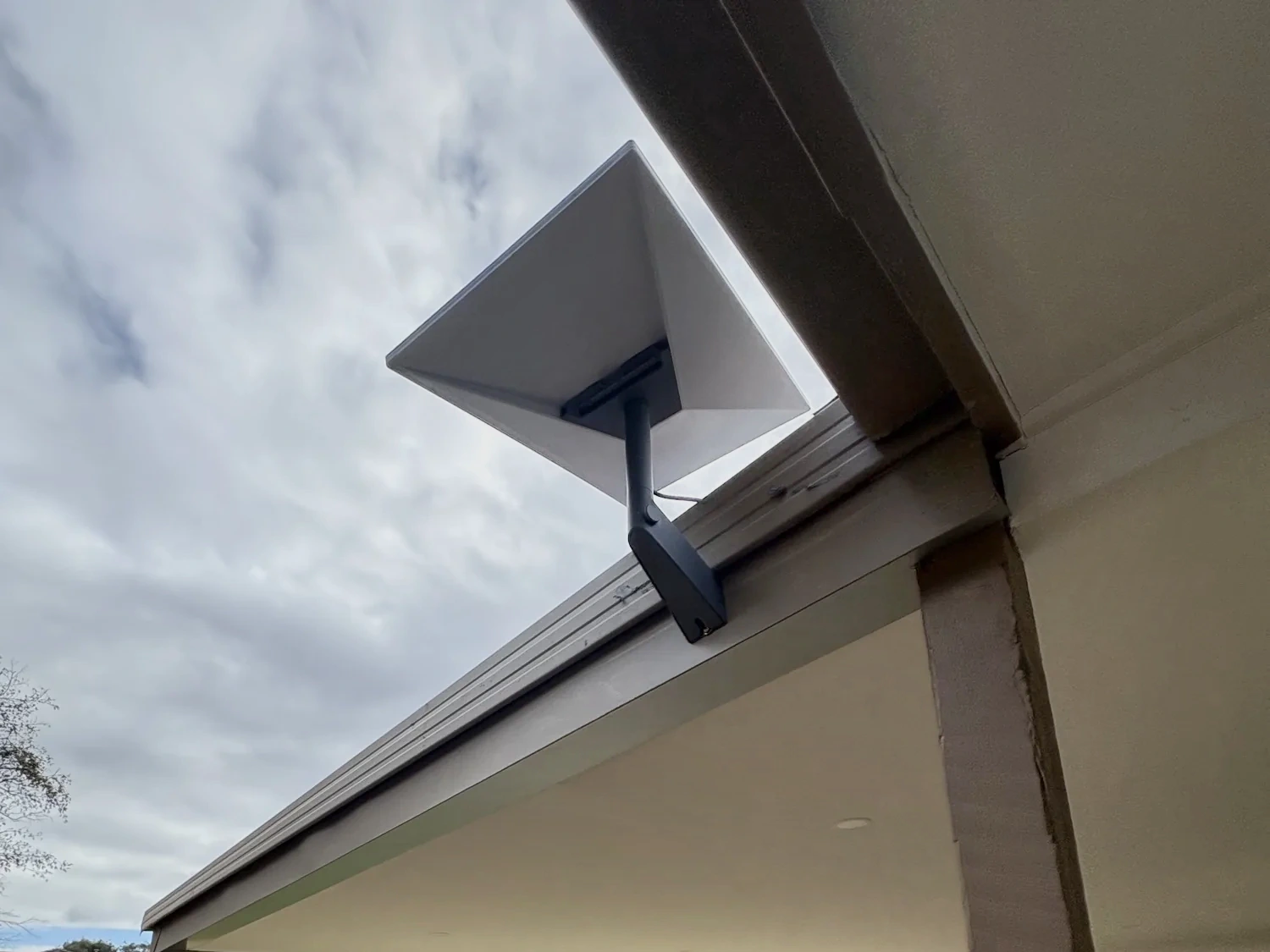
One of three: an under-tile mount for tiles, a tripod for Colorbond or metal, or a wall mount under the fascia or gutter or on a wall.
3
A clear view of the sky
We check the sky view and choose the mount before any work starts.
4
The cable
On brick veneer the cable goes in under the tiles at the eave and down the wall cavity to a wall plate on the plaster side.
5
The router
The router goes inside near a power point, then we set it up and test it.
6
We show you how it works
A walk-through so you know how to switch it off and on safely.
What you pay
You pay on the day of the install.
Double-storey includes the extra ladder and access work.
$300 for a single-storey home and $550 for a double-storey. Your mount and any extras your job needs are added on top. Travel depends on your address, and your estimate shows it all before you book.
Will you drill my roof tiles?
No. On a tiled roof we fit an under-tile mount. The bracket fixes to the side of a roof truss and the tile slides back over it.
Which mount will my home need?
One of three: an under-tile mount for tiles, a tripod for Colorbond or metal, or a wall mount under the fascia or gutter.
Is my fascia strong enough for a wall mount?
We always check the fascia's condition first. Timber fascias take coach bolts, sometimes with a spacer, and Colorbond fascias get a backing plate, usually timber or metal.
Where does the cable come in?
We agree on the route before work starts. On cladded, rendered foam or Hebel walls with no gap, the noggins are drilled through. That is $150 extra. If the cavity can't be used, we agree on an outside cable route. External cable in conduit costs 99 for up to 5 m. Longer runs are quoted. The router goes near a power point.
Can you move or remove my dish later?
Yes. We can take your dish down, move it on the same property, or move it to your new home. Call us on 0408 559 555 and we'll give you the price for your job.
Will my Starlink Wi-Fi reach every room?
It depends on the house. Brick walls, a second storey or a long layout can leave weak spots. For homes and small acreage we like Starlink's own mesh routers: plug one in, open the Starlink app and tap Pair when it finds it. A shed or outbuilding needs a wireless link or a cable, then Wi-Fi inside.
Need a Starlink dish taken down, moved to a new house or shifted on your block? See our uninstall options.
Free month is from Starlink for new Residential or Roam customers ordering direct. Credited on your second month. Shop-bought kits don't qualify. Starlink can change or end the offer.



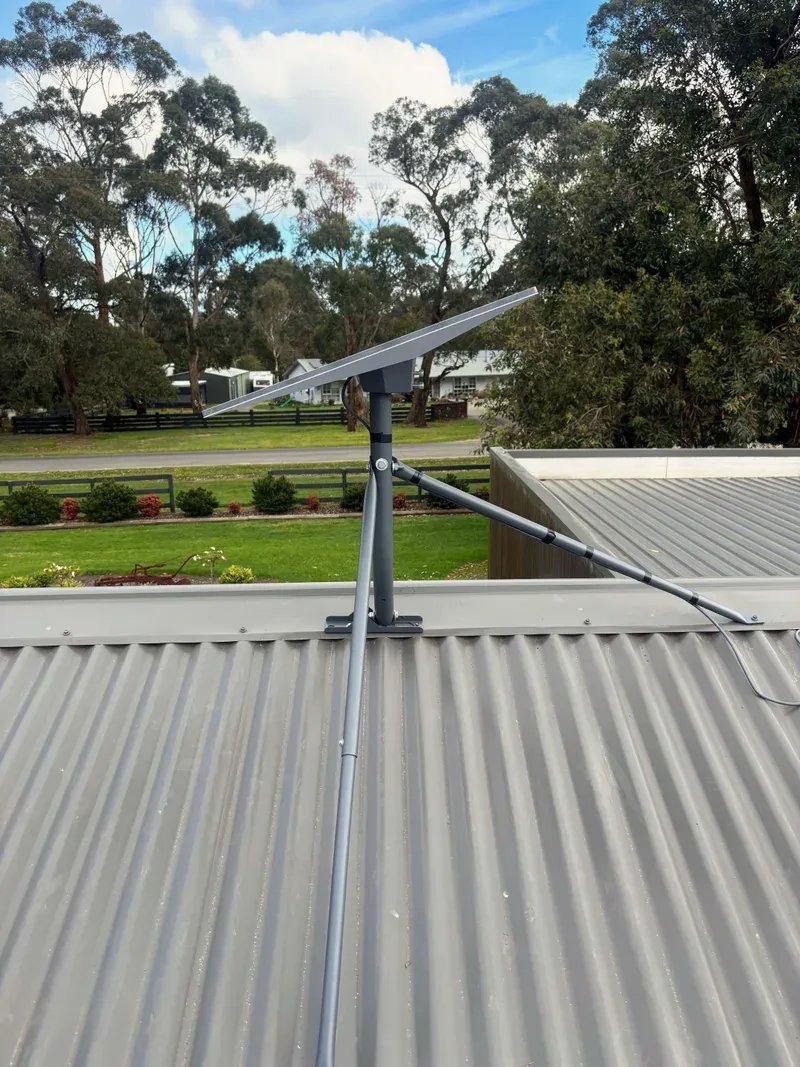 NyoraReplaced NBN fixed wirelessMount Tripod
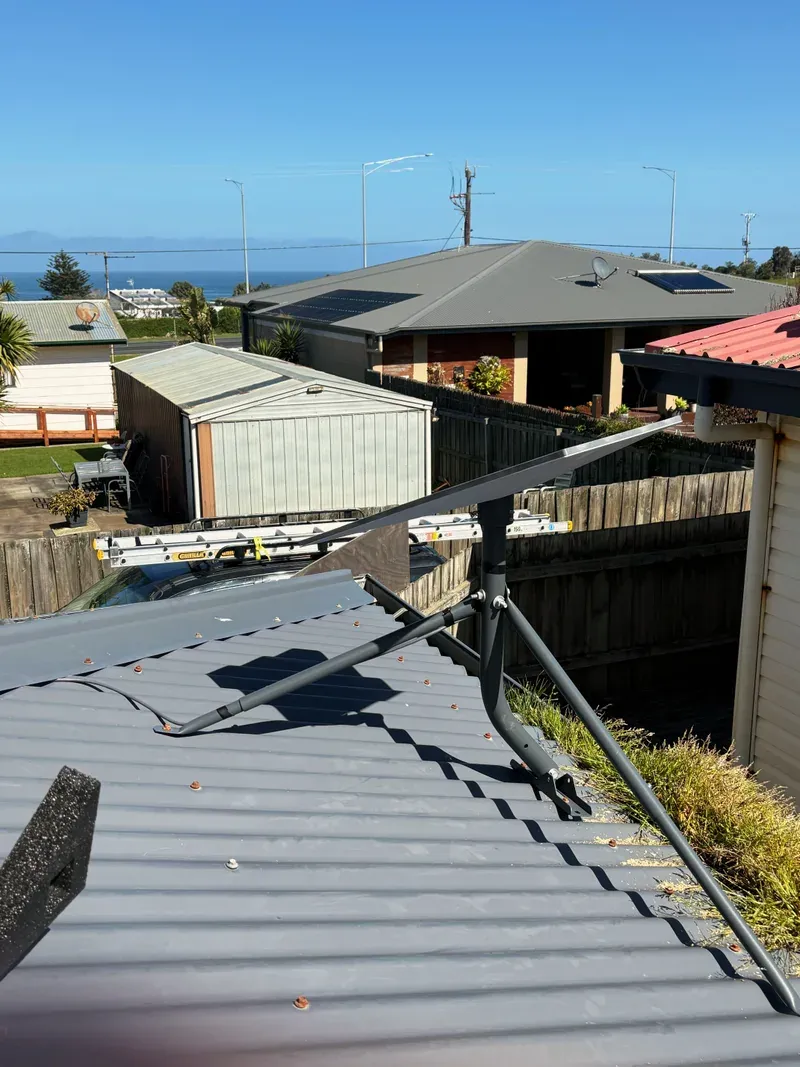 KilcundaReplaced 5G home internetMount Tripod
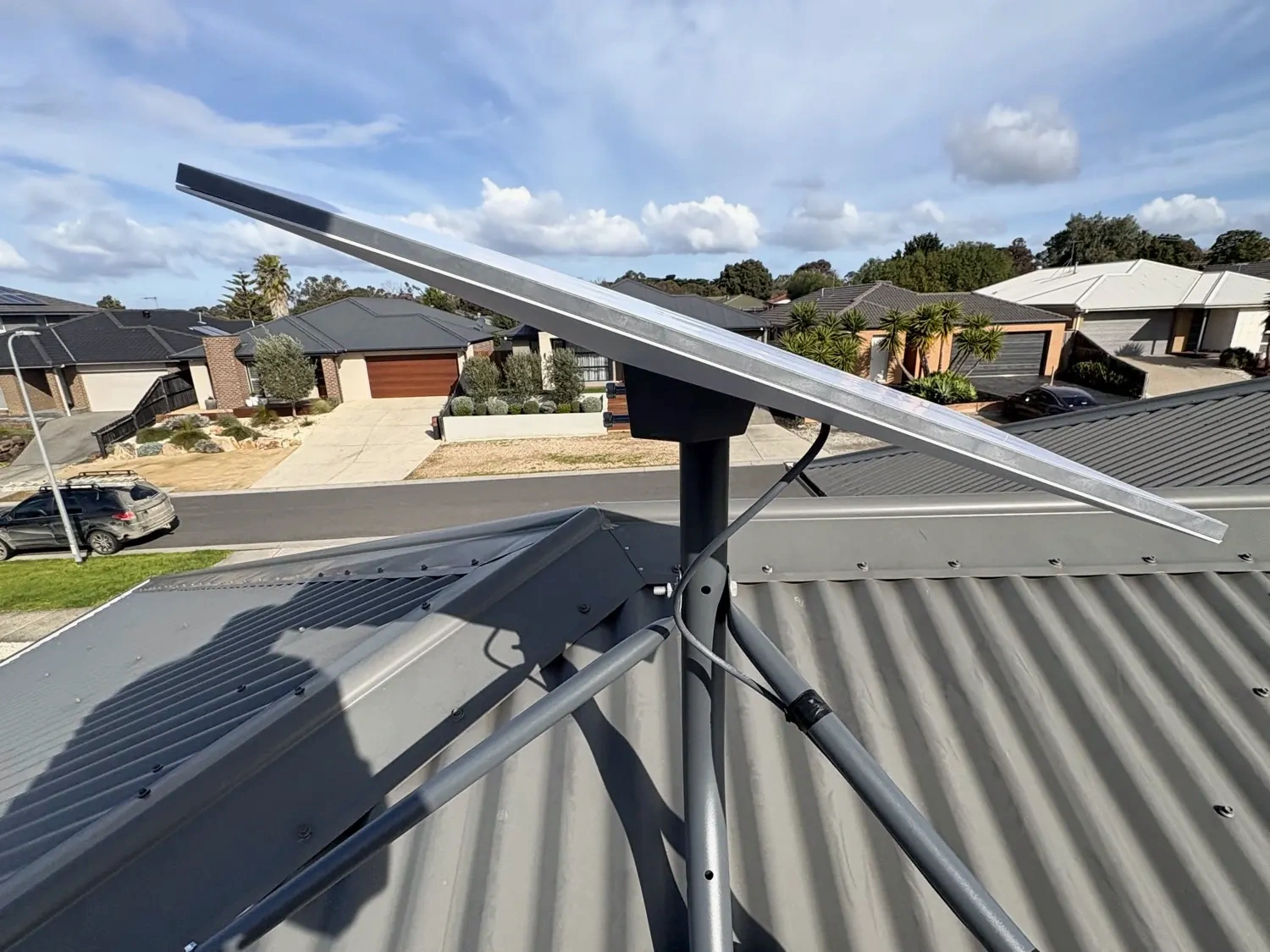
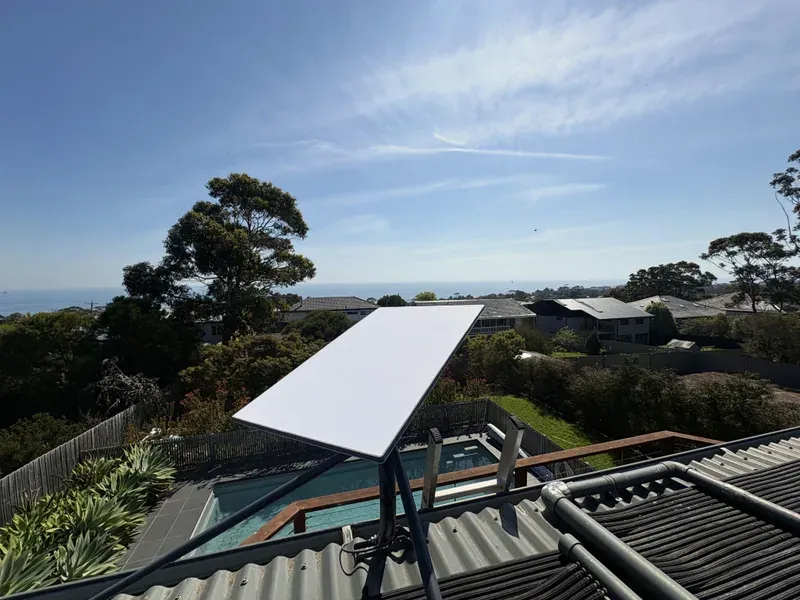 Mount MarthaA customer who'd just moved into a home in Mount Martha needed internet quickly, so we installed Starlink on a tripod mount.Mount Tripod
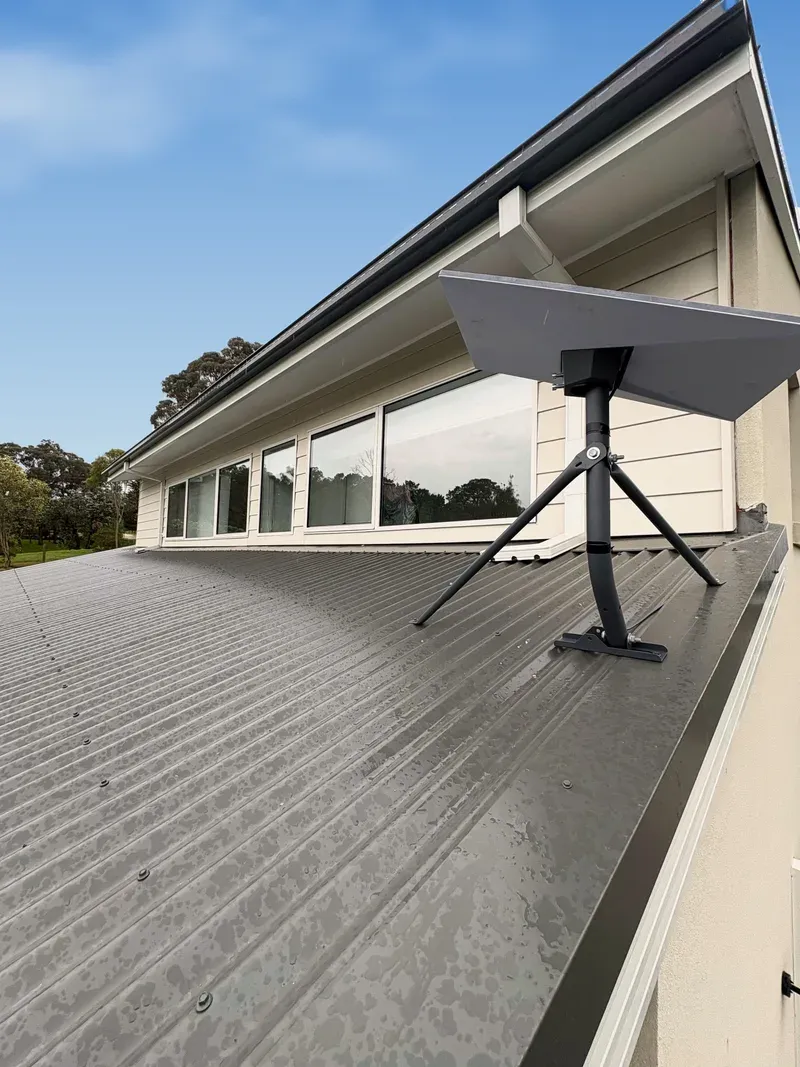 Pakenham UpperA new home owner in Pakenham Upper had Starlink installed on a tripod mount on their Colorbond roof soon after moving in.Mount Tripod
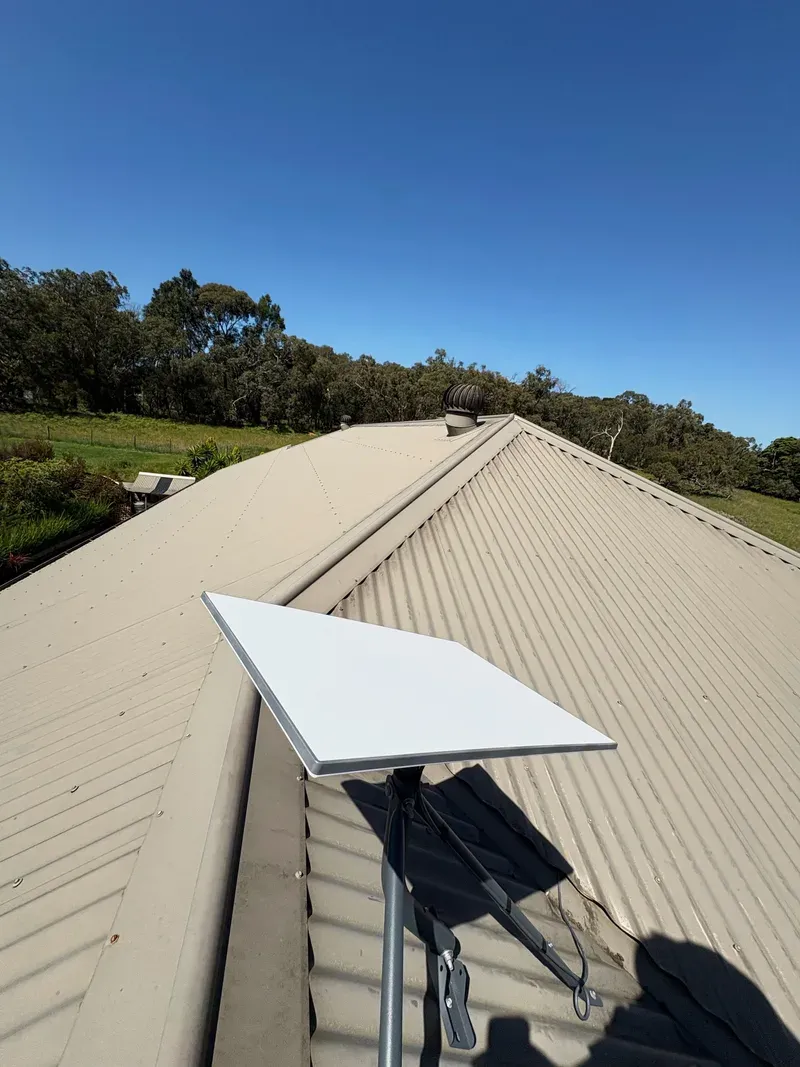 MaryknollReplaced Older copper NBNMount Tripod
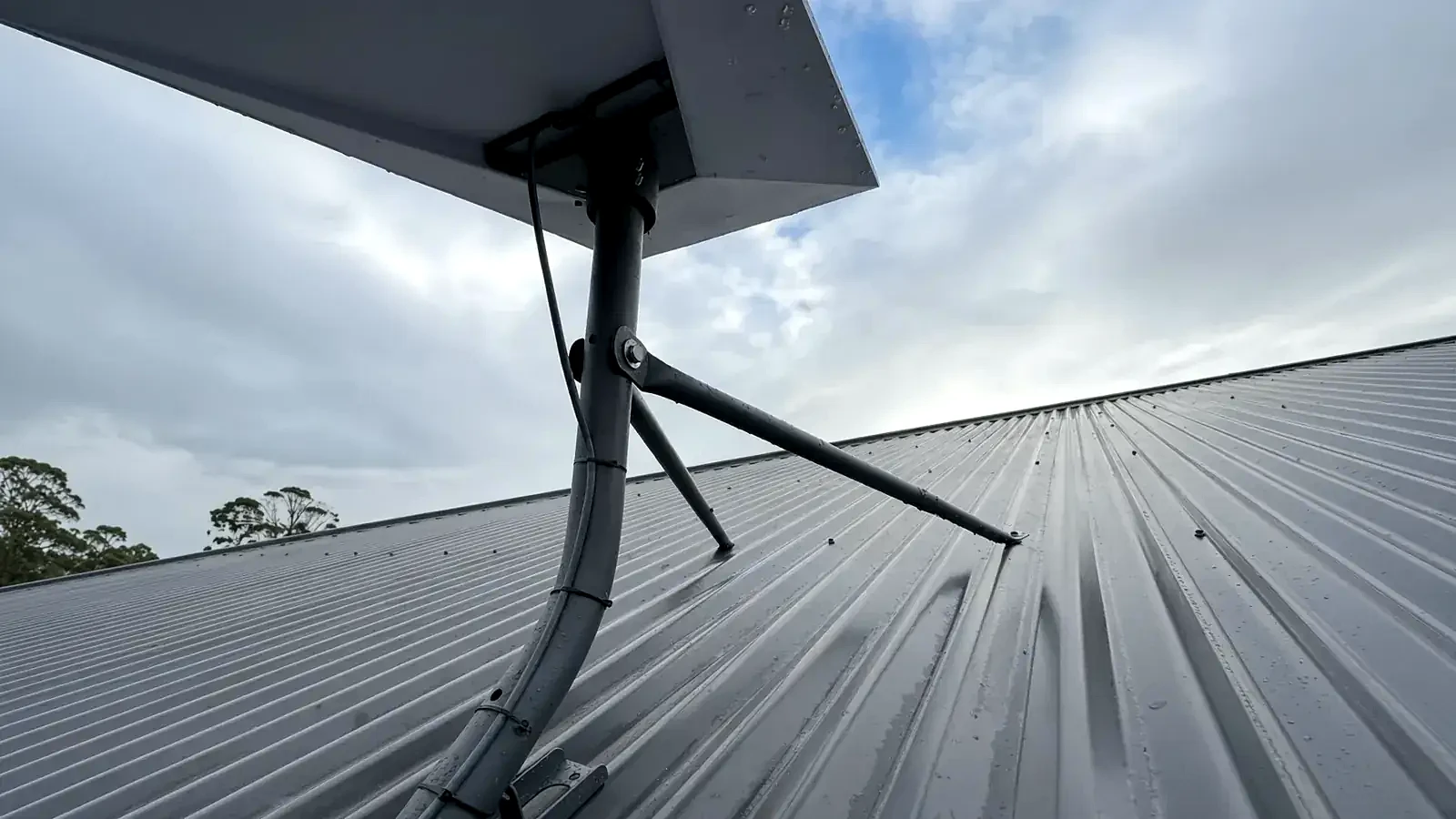 Cranbourne WestA double-storey Starlink installation with a tripod on a corrugated metal (Colorbond-style) roof.Cranbourne West
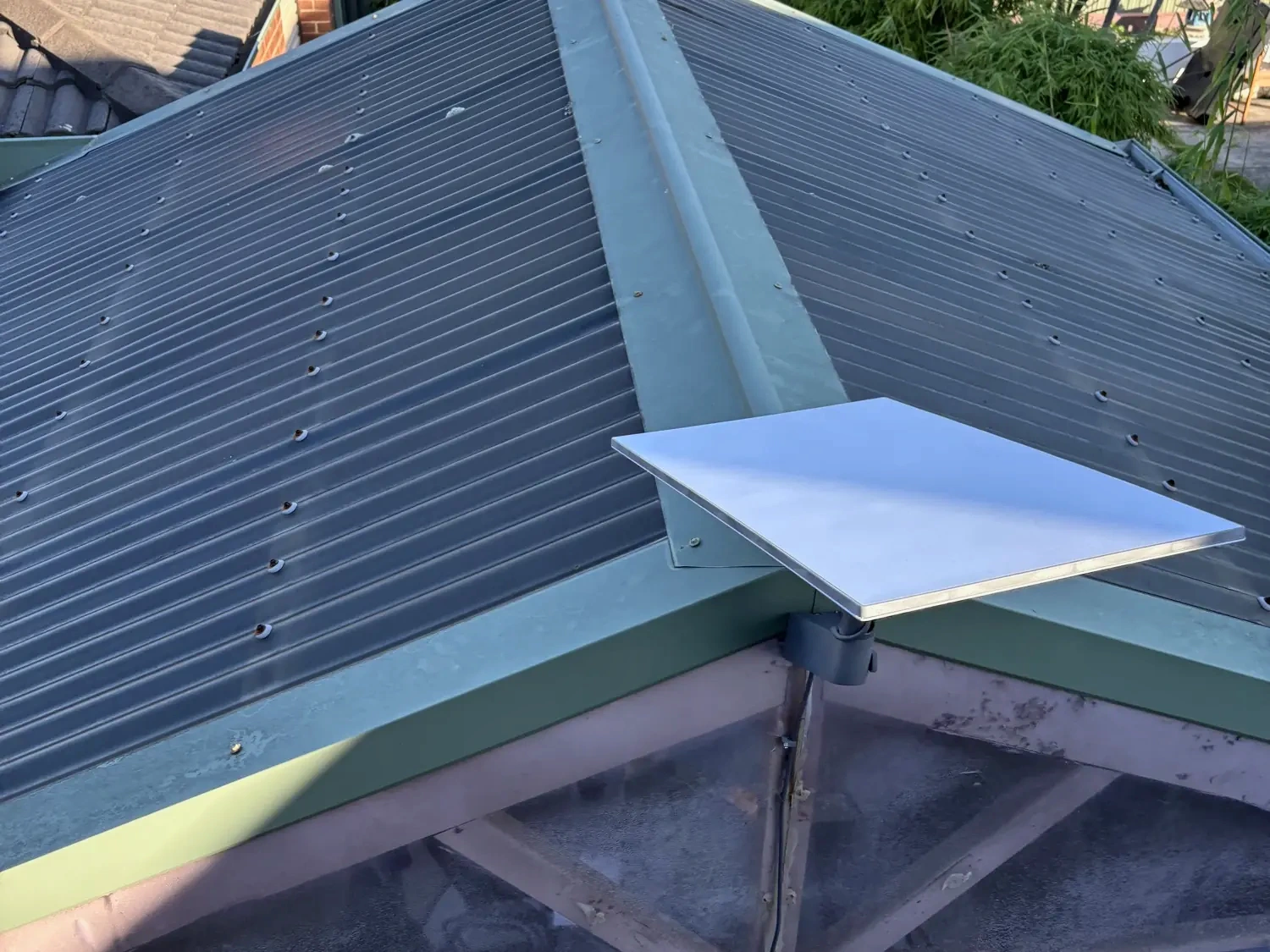 Cranbourne EastStarlink replaced the home's previous connection, which kept dropping out and couldn't keep up.Cranbourne East
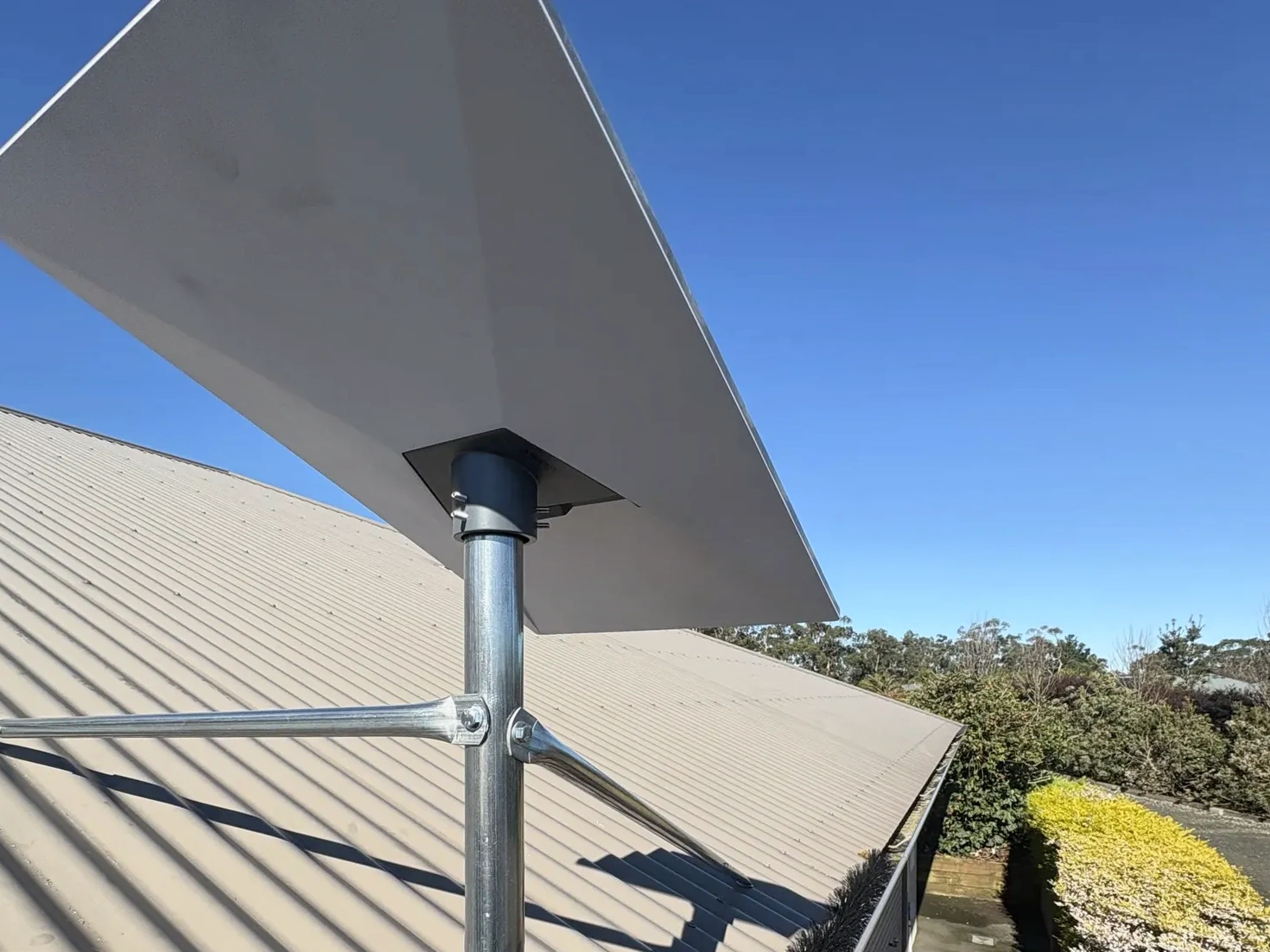 NyoraA roof-mounted Starlink system replaced an unreliable fixed-wireless connection at a rural home.Nyora
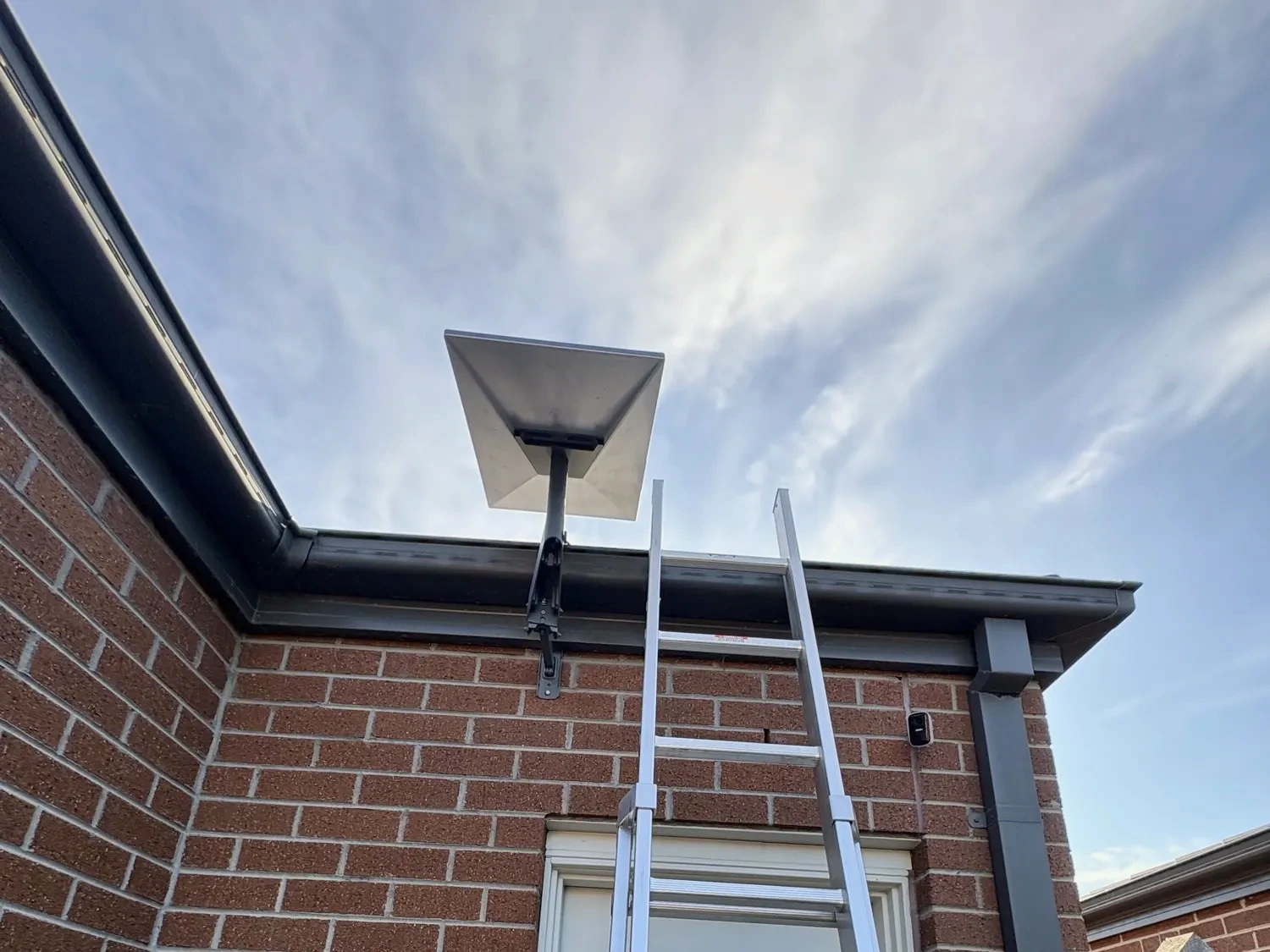 LyndhurstA rental-friendly mount, with the cable brought in through the existing Hills Home Hub cabinet.Lyndhurst
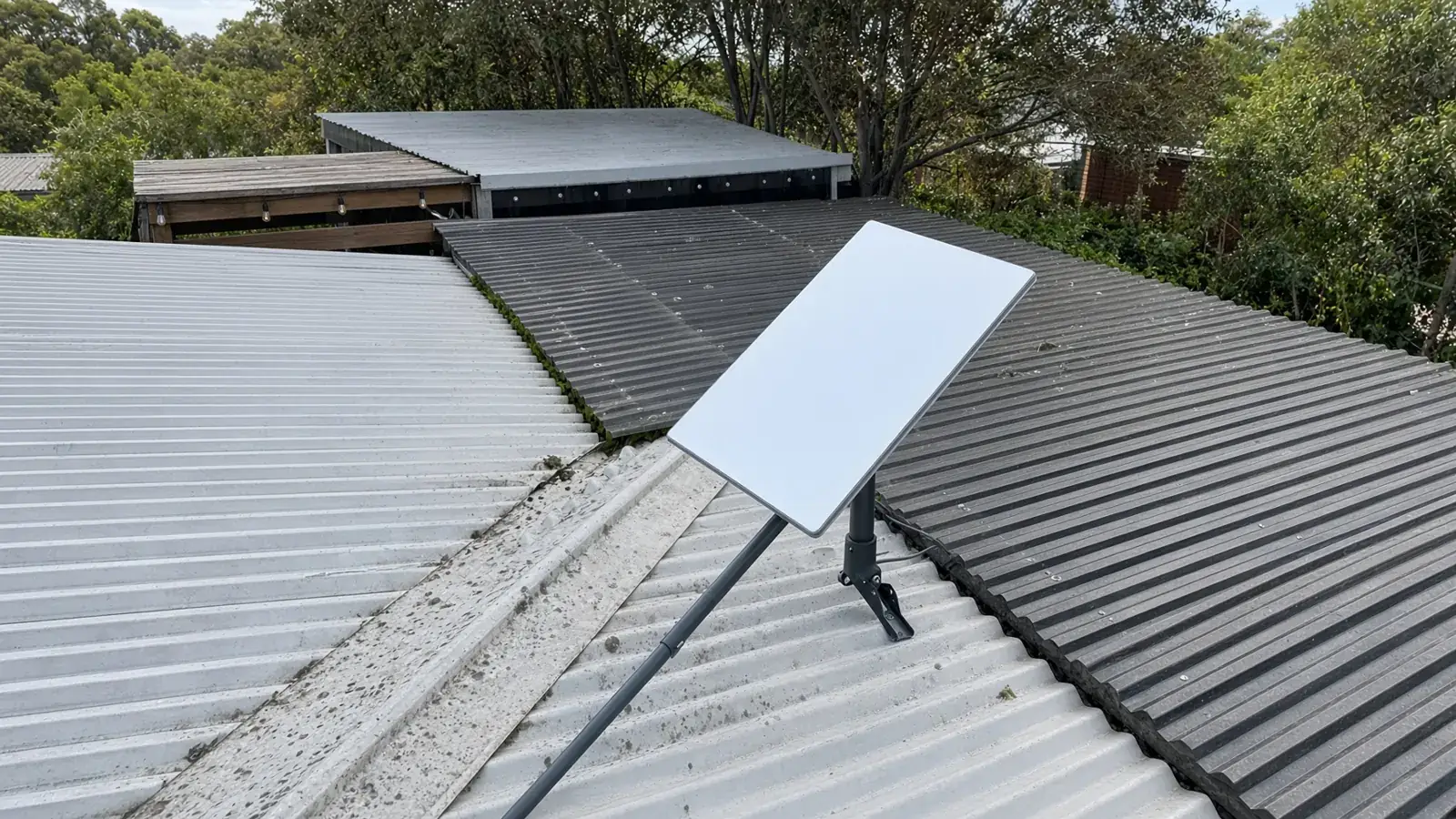 BitternA roof-mounted Starlink system replaced an ageing copper NBN service.Bittern
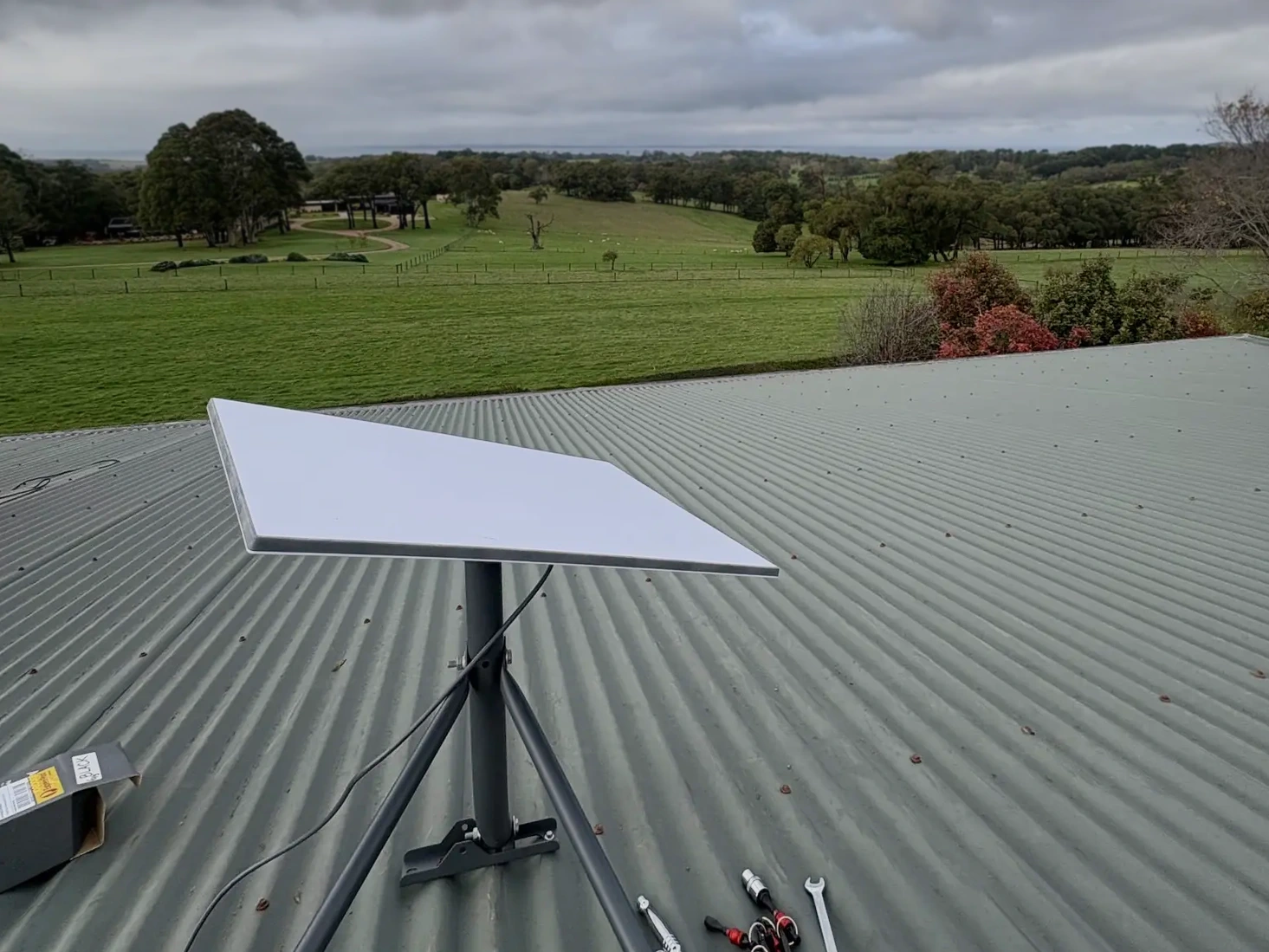 Red HillStarlink replaced unreliable fixed wireless at a large multi-level home, with paddocks and a rural outlook.Red Hill
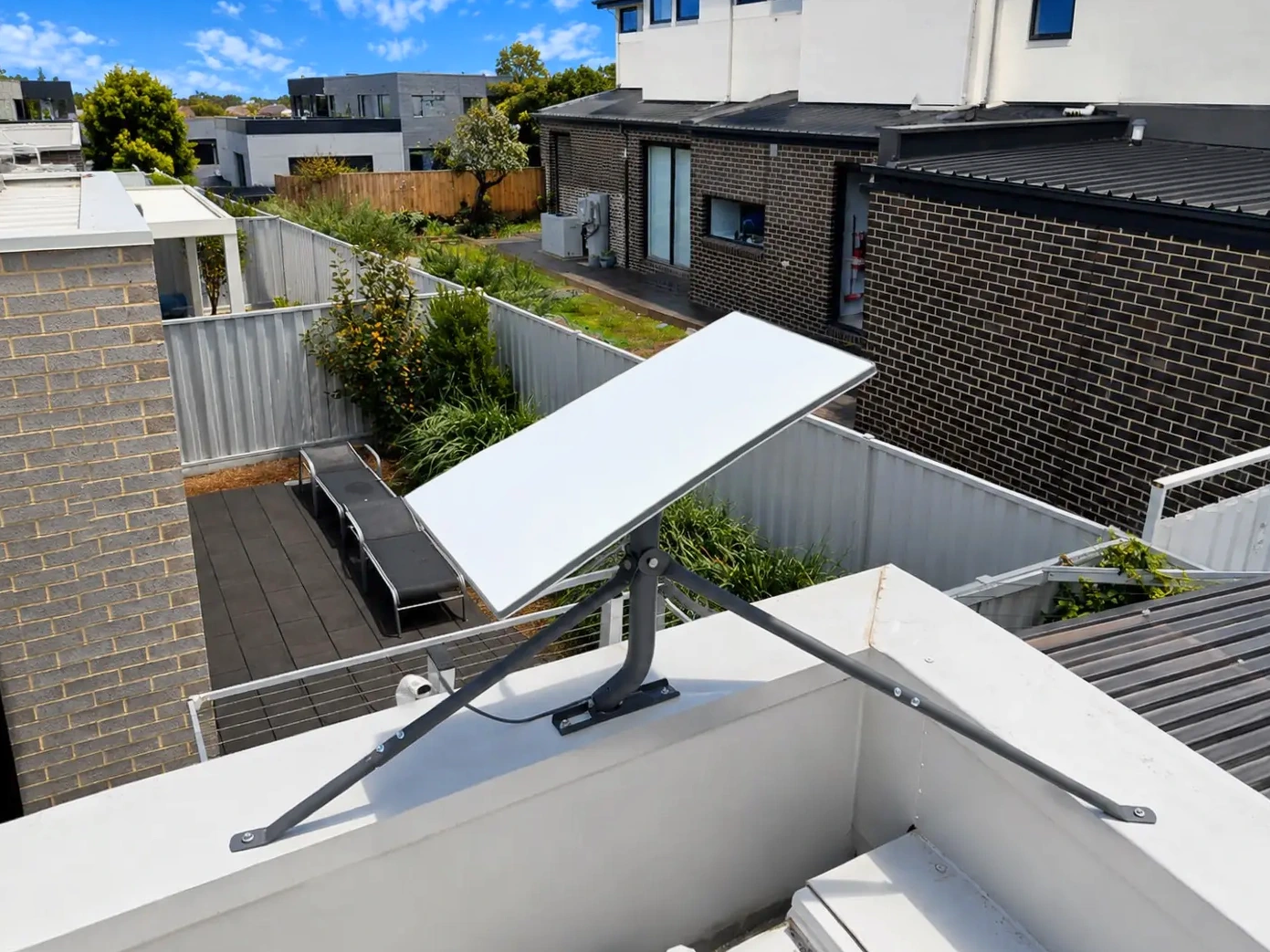 Safety BeachStarlink on an Astrogear tripod on the flat roof of a double-storey home with concealed gutters.Safety Beach
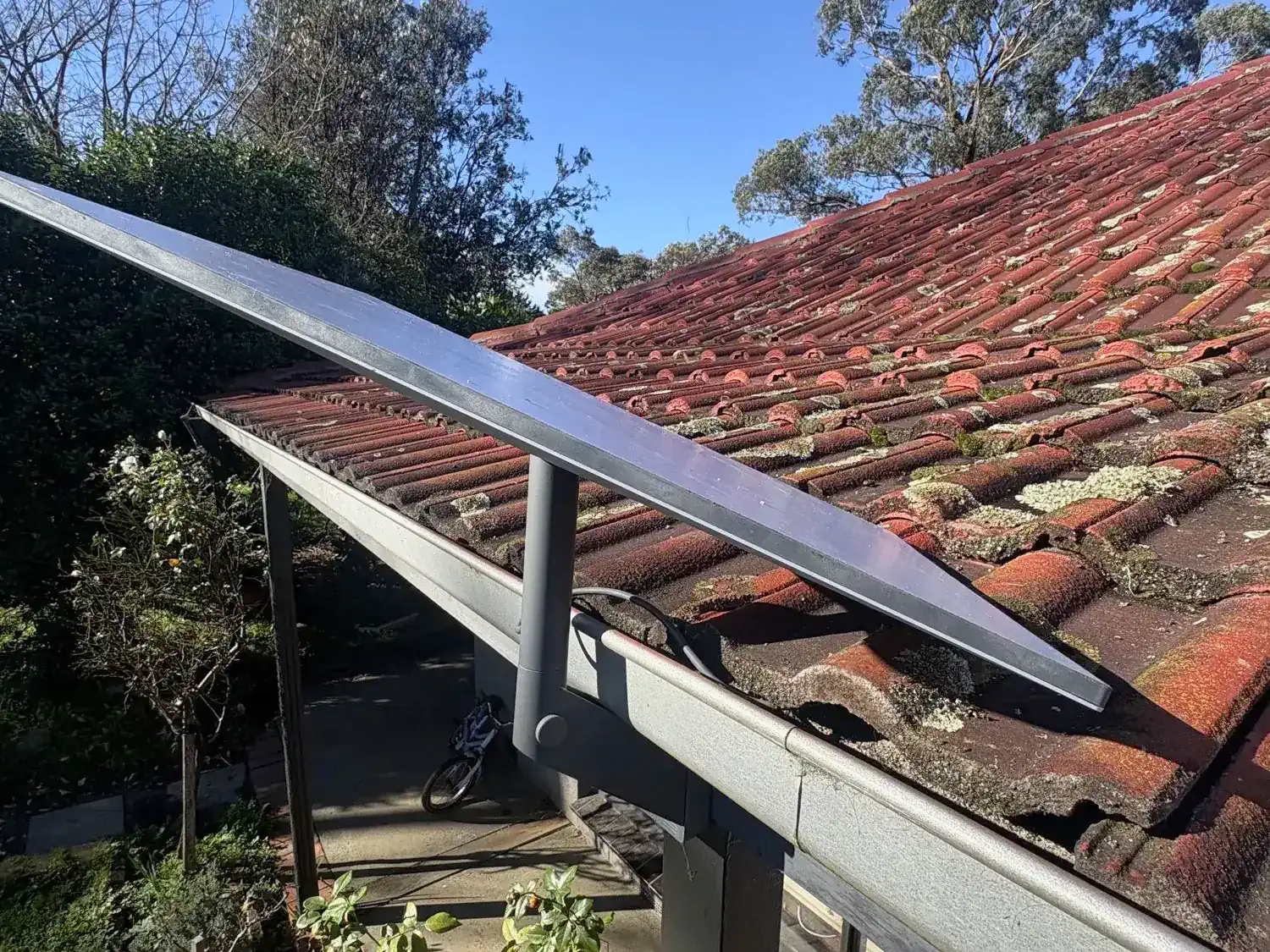 PearcedaleStarlink at the house, with Wi-Fi extended to the shed and workshop on a five-acre block.Five-acre property
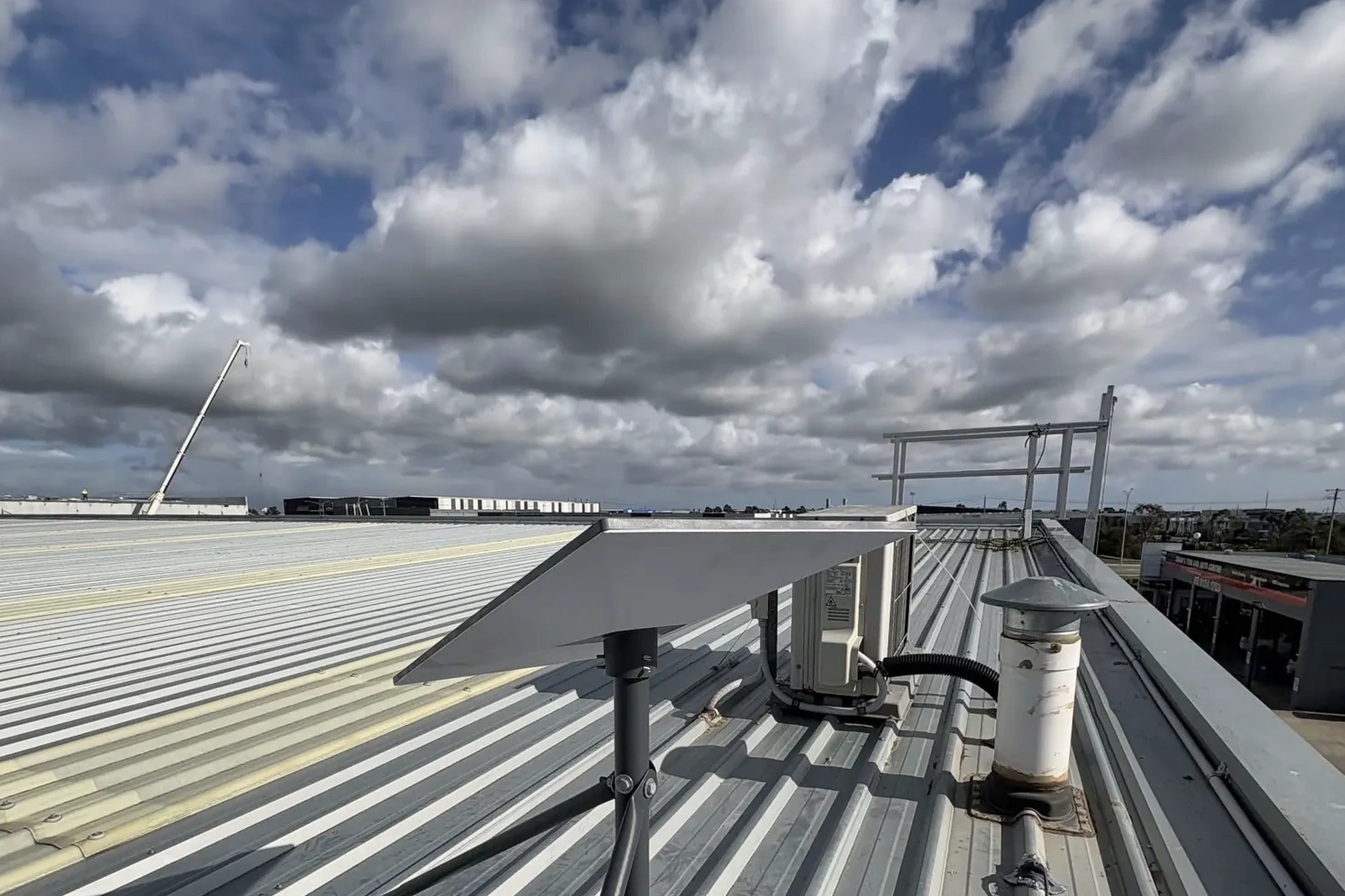 PakenhamStarlink on a factory roof in Pakenham: mount, cable runs, setup and testing.Commercial factory
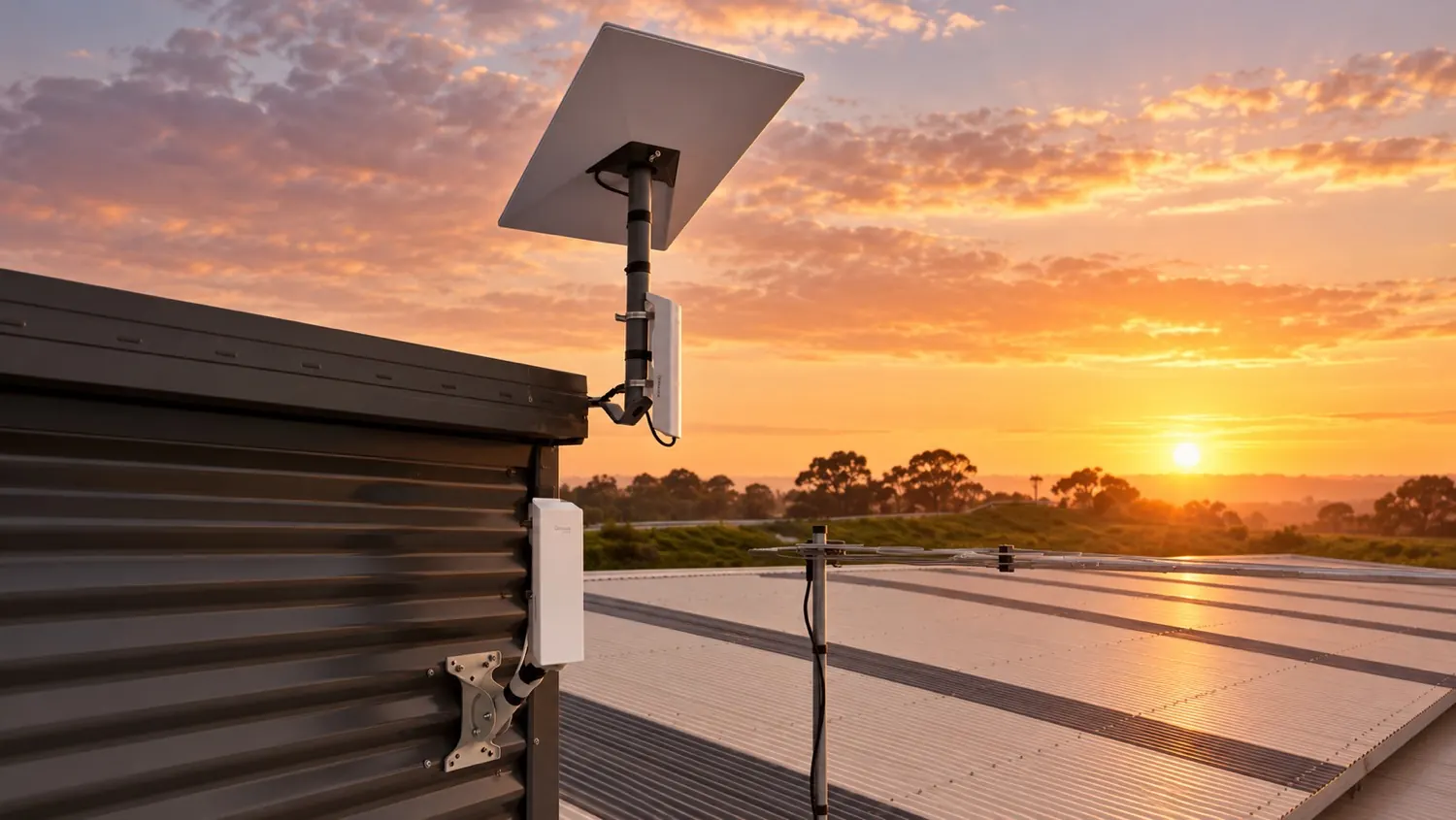 CranbourneStarlink moved to Stable 2, then wireless bridges to the entry office and the event room, with one Wi-Fi network across the stables.Cranbourne