Start with the places, not the router
List the places that need a connection: the house, the stable block, the arena, the tack room and the front gate. Each has a job: calls and admin in the house, cameras and a work phone in the stables, a view of the arena, and a camera at the gate.
One indoor router can't cover all of that. Metal roofs and the distance between buildings stop it.
A sensible order
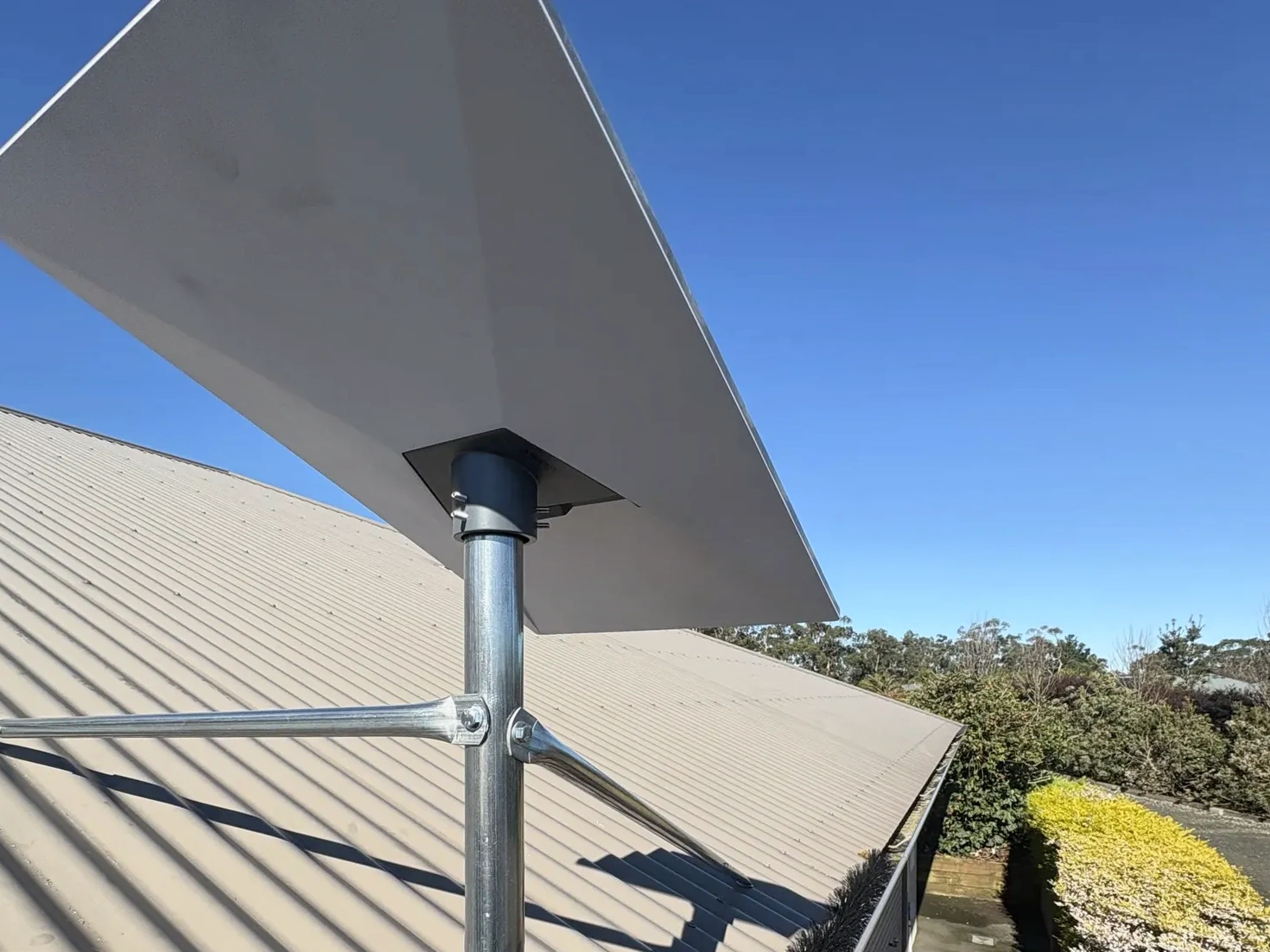
Get a reliable internet source at the house. Link the stable block if it is out of Wi-Fi range. Put coverage inside the stables for the people who actually stand there. Add cameras where you need to see a horse, a yard or the gate, recorded locally so a dropout does not wipe the night.
Cable around horses has to stay out of their reach.
You do not have to do it in one visit
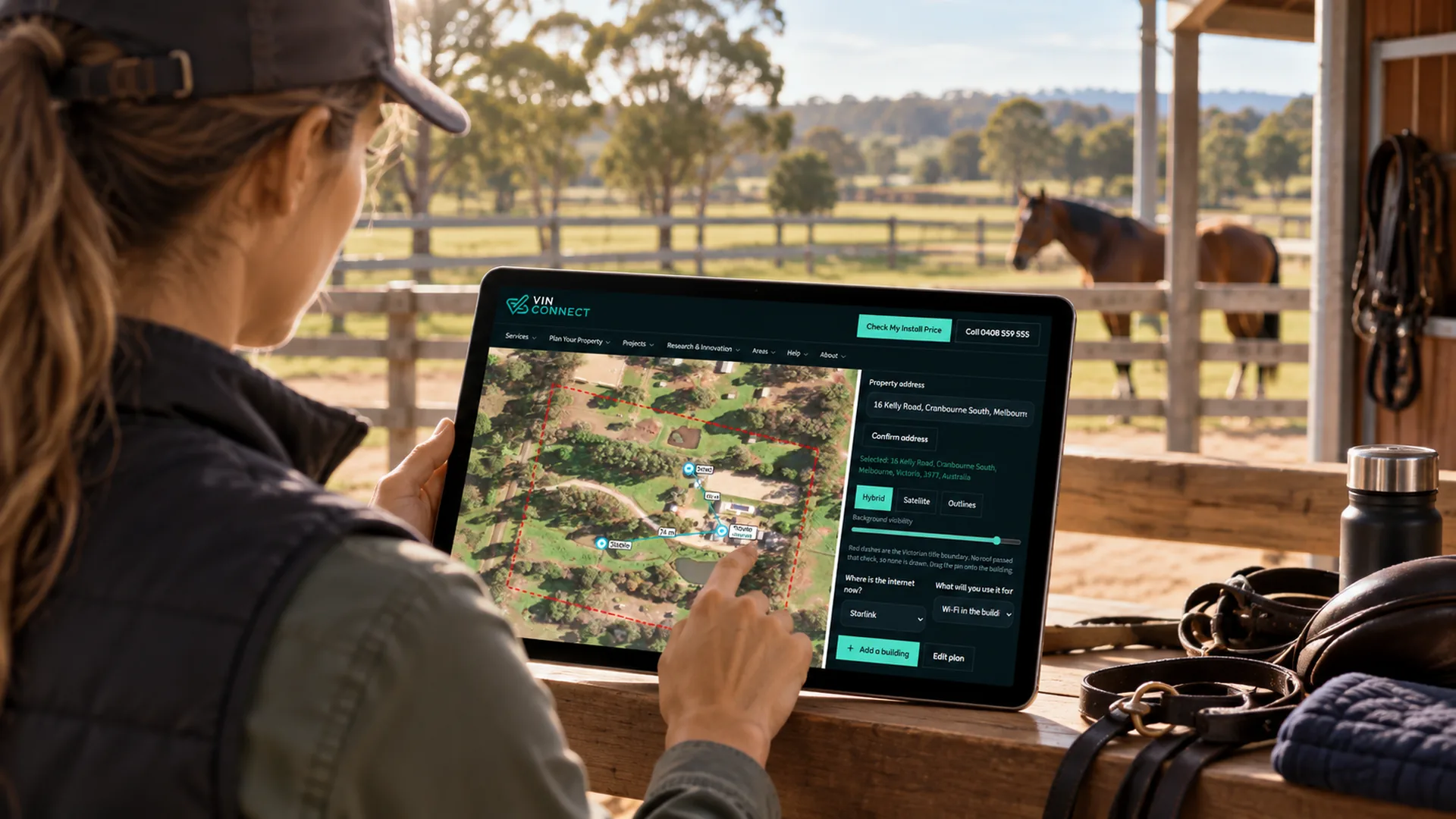
Many properties start with the house connection, then add the stable link, then cameras. Mark it all on the property planner first so each stage fits the next.