
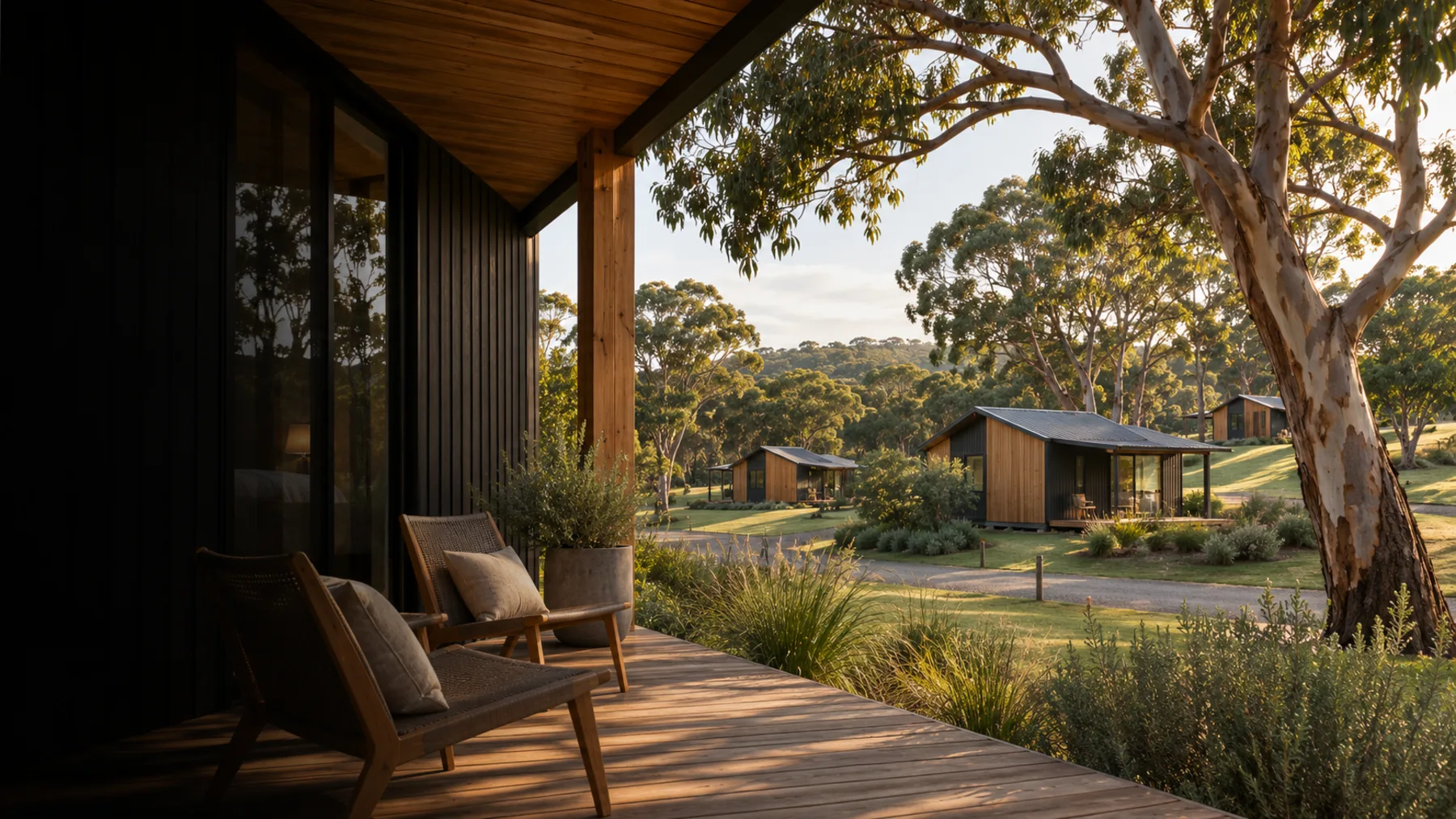
Hospitality connectivity
Guest Wi-Fi should reach past reception.
We look at the internet feed, the links between buildings, and Wi-Fi where guests actually sit.
One property can have several connection problems.
Reception, a back bedroom and a far cabin often need different answers.
A fast connection at the desk does not show how a phone behaves down the hall.
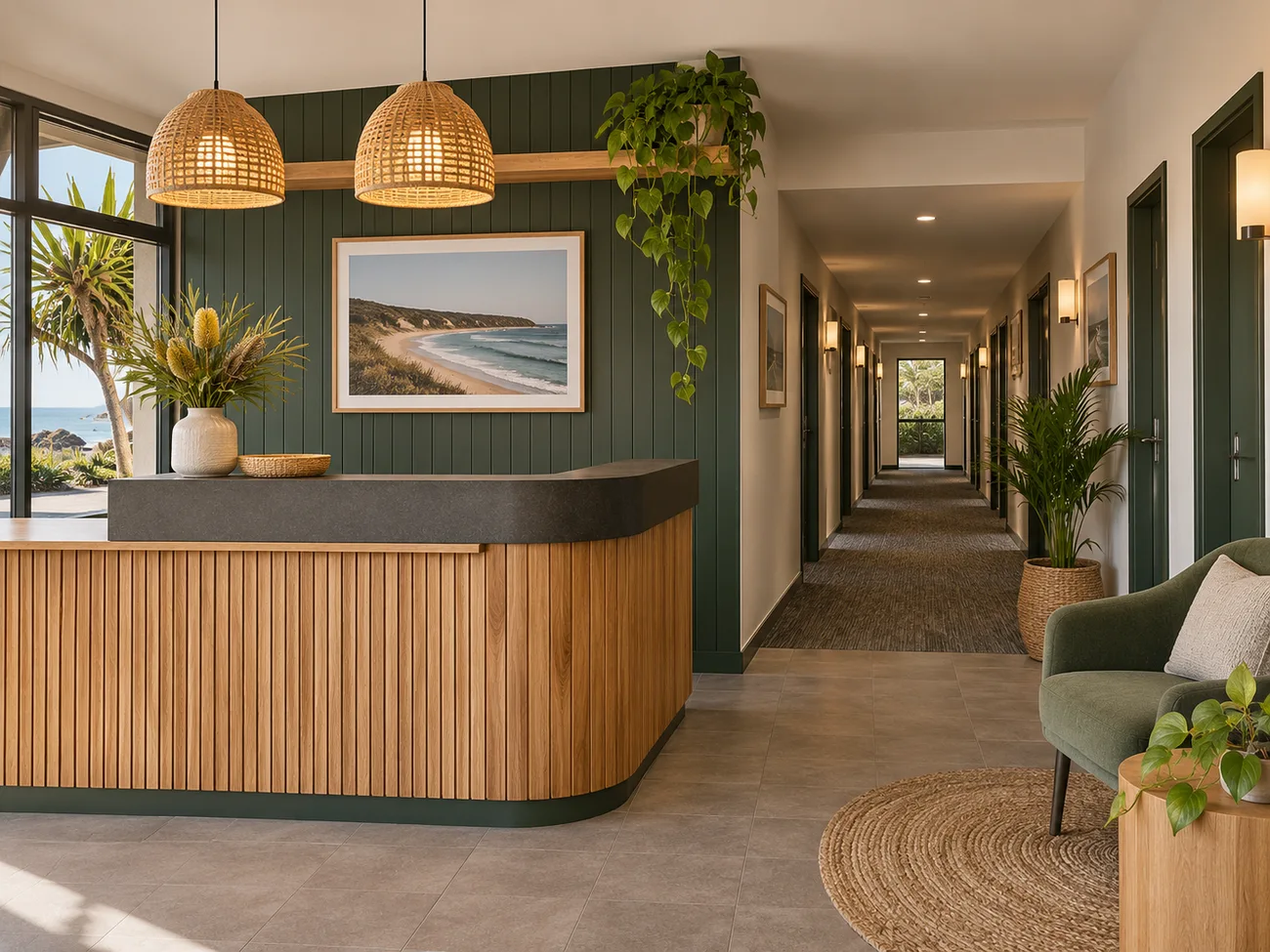
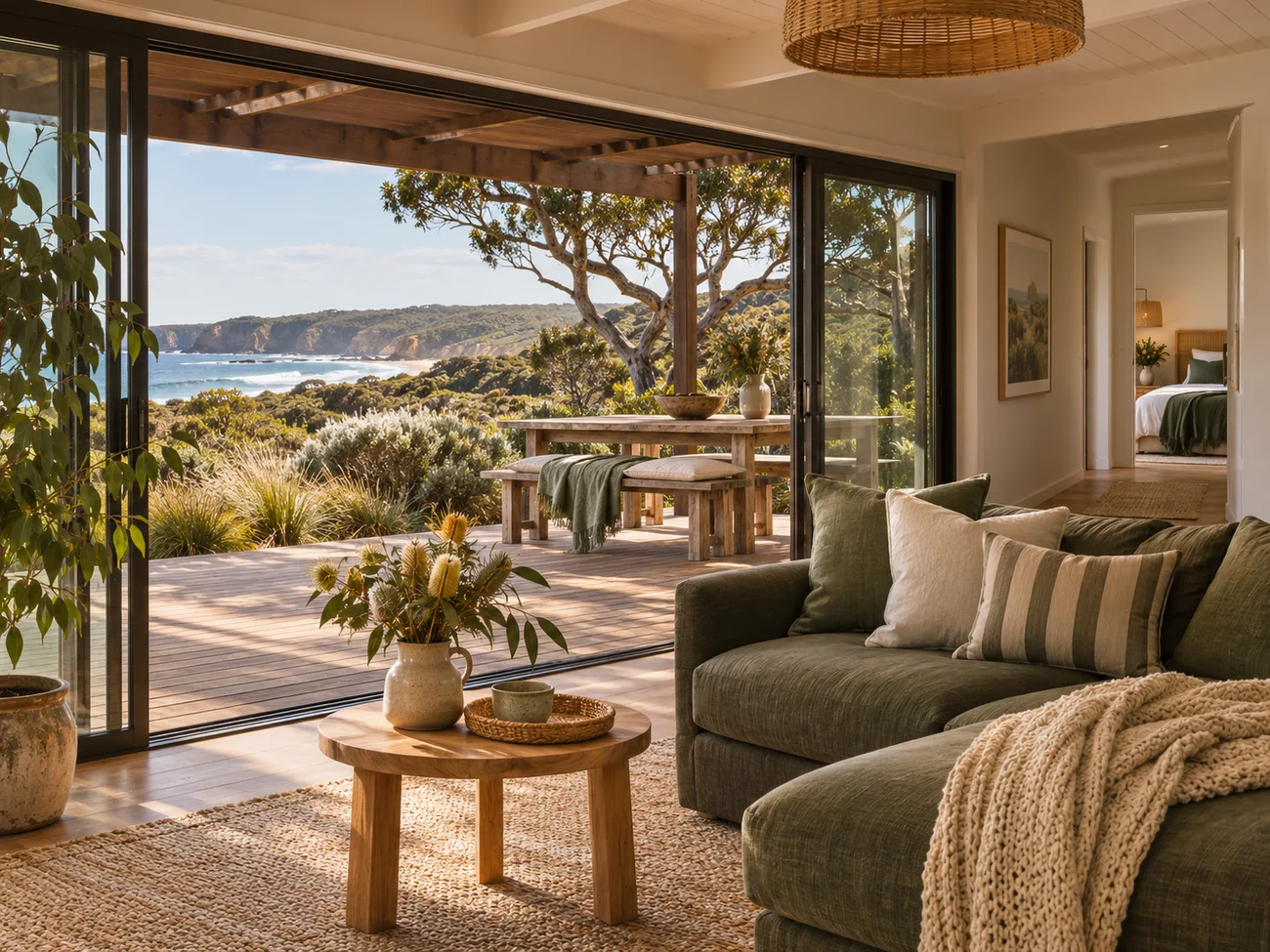
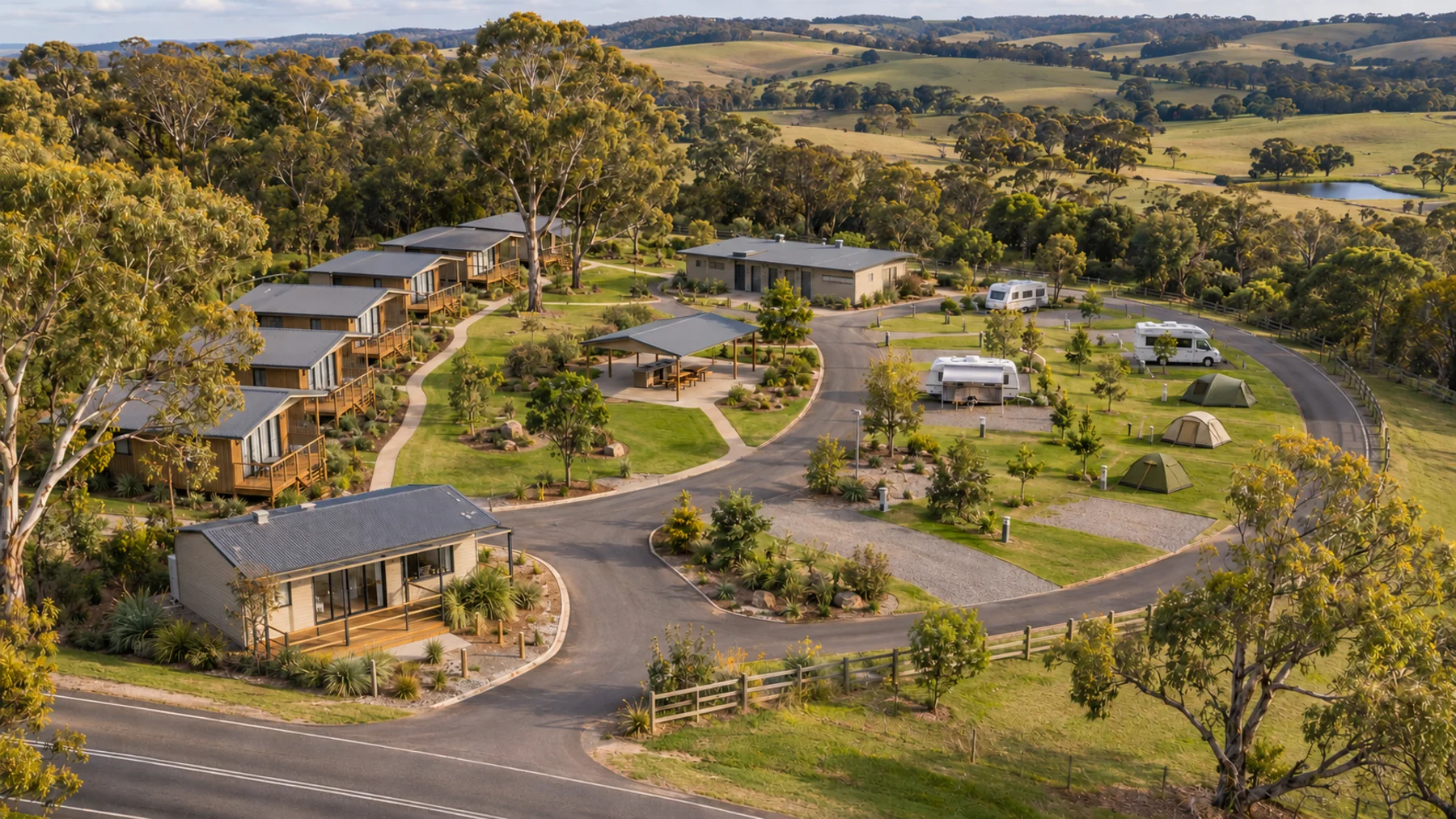
It is not always the internet.
A property can have a sound feed in one building and poor Wi-Fi where guests stay. These are three separate parts.
01
The connection
NBN, Starlink or a suitable mobile service at the property.
02
The building links
Cable or a surveyed radio link carries it to the next building.
03
The Wi-Fi
Access points serve the rooms and shared spaces guests use.
Find the cause
Tell us what is going wrong.
It drops out in guest rooms
Good internet at the desk. Patchy Wi-Fi down the hall.
A fast connection at reception does not tell you how a phone behaves behind several walls.
- Signal in the rooms guests use
- Where the access points sit
- Walls, materials and how many devices
The far cabin gets nothing
The gap between buildings may be the missing piece.
One router is rarely a sensible plan for several separate buildings. We check a cable run or a surveyed link before choosing cabin Wi-Fi.
- Distance, obstacles and line of sight
- Power and equipment places
- Coverage inside the far building
It slows down when you are busy
Busy weekends change how the network behaves.
The cause might be the internet service, shared capacity, or equipment that cannot carry the peak. We separate those causes.
- The current connection and its limits
- How many people are on at once
- Guest, staff and payment traffic
Mobile calls barely work
Phone reception is a different problem from guest Wi-Fi.
We look at the carrier, the outdoor signal and the indoor dead spots before discussing approved equipment.
- Which carrier and phones fail
- Outdoor signal against indoor signal
- Whether approved equipment suits
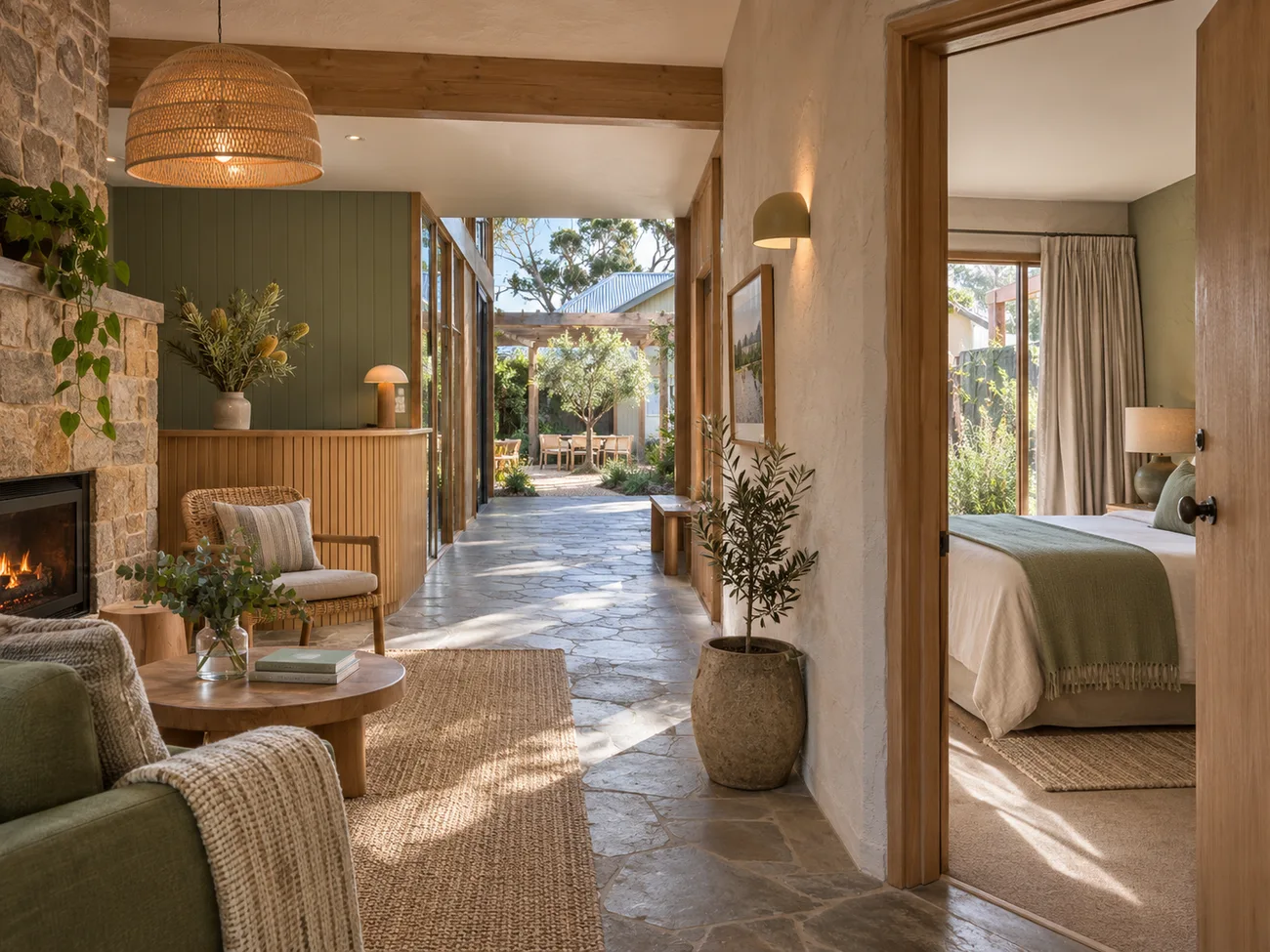
Guest and business needs
Guests online. Reception still running.
Guest use and the systems that run the business do different jobs. We plan both, then check the split.
- Guest access kept apart where it should be
- Desk, admin and payment needs listed separately
- A written handover for the operator
From the first talk to handover.
01
Talk through the problem
Property type, current connection, buildings, and the spaces that matter.
02
Assess the site
Feed, cabling, building links, Wi-Fi, and what is worth keeping.
03
Scope the work
Priorities and stages in a written quote, including any travel.
04
Install, test, hand over
Work to agreed access times, then document the setup.
Typical equipment
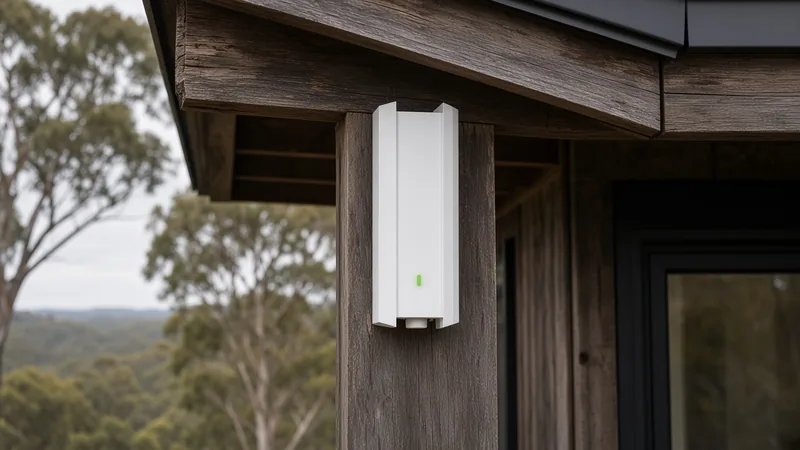
Outdoor access points and building-to-building links.
Representative photographs of the kind of outdoor access points and wireless bridges used on accommodation sites. These are not photographs of Vin Connect client projects.
Outdoor access point 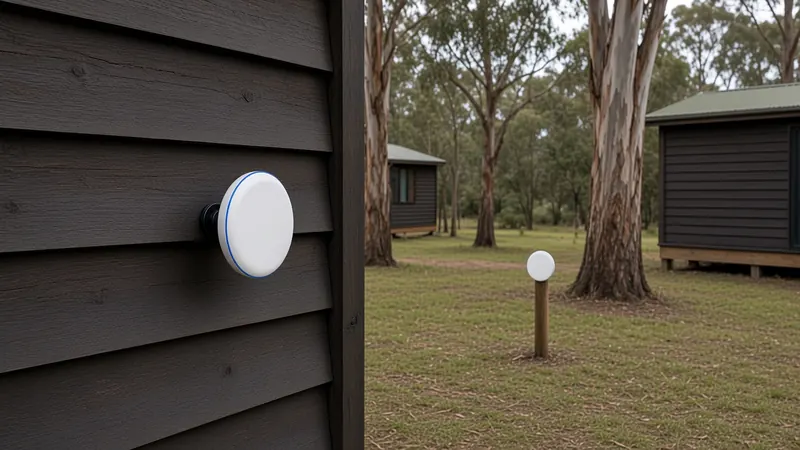
Wireless bridge 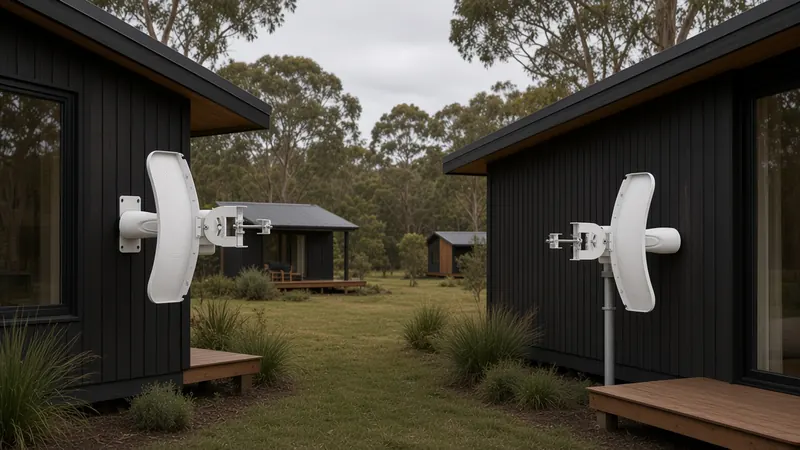
Point-to-point bridge
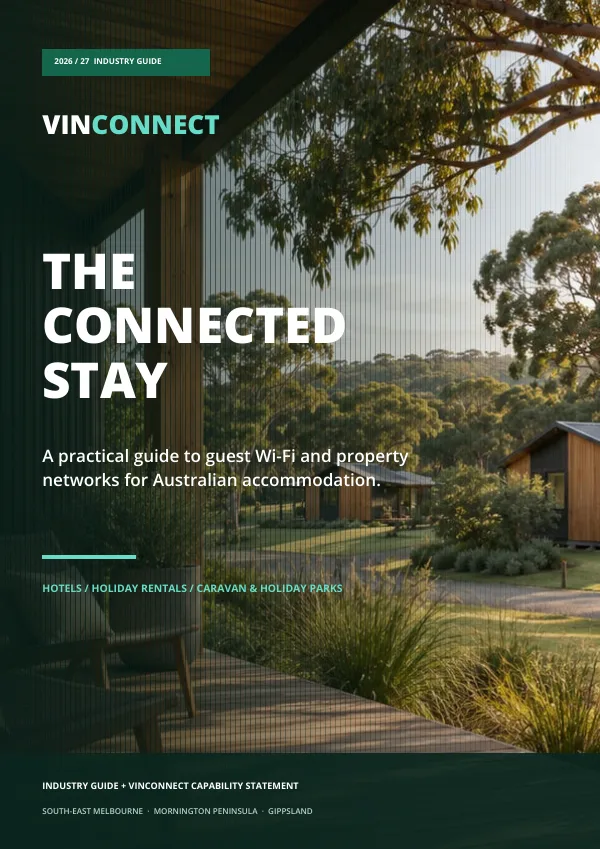
Free 16-page industry guide
The Connected Stay.
An illustrated guide to guest Wi-Fi, property networks and wireless links for hotels, holiday rentals and caravan parks.
Get the free guideQuestions operators ask.
Can you work with the internet service we already have?
Often, yes. We check the current feed and equipment first. Sometimes the fault is Wi-Fi distribution, not the provider.
Will one mesh system cover cabins or a whole park?
Not as a rule. Separate buildings and large outdoor areas may need cable or a surveyed link first, then access points in the spaces that matter.
Can you keep guest devices apart from staff systems?
We can assess a split and test it. Different Wi-Fi names alone are not treated as isolation.
Can the work fit around guests?
Occupied rooms and access times are part of the quote. Some changes need a short agreed outage or staged work.
Can you look after the system afterwards?
Maintenance can be scoped. Hours, checks and chargeable visits are written down. Round-the-clock support is not included.
We work from Cranbourne across southeast Melbourne, the Peninsula, Bass Coast and Gippsland.
Your property
Tell us about the site.
These details are carried into the Vin Connect contact form. You review them there before anything is sent.