

A business network has more to do than a home one. Staff, customers, cameras, payment terminals and machinery often share one internet connection. We design and install commercial Wi-Fi and networks for offices, shops, clinics, warehouses, workshops and farms across Melbourne and regional Victoria.
What we help with
- Wi-Fi that covers the whole site. Ceiling access points (the Wi-Fi units) placed to suit your floor plan, so staff keep Wi-Fi as they move between rooms.
- Guest Wi-Fi kept separate. A guest network with its own sign-in page (called a captive portal), plus time and speed limits, kept apart from your business devices.
- Sharing the internet fairly. Speed limits for guests and busy devices, so one download doesn't slow the whole business.
- Separate networks for separate jobs. Staff, guests, cameras and point-of-sale each on their own virtual network (a VLAN), all sharing the same cabling.
- Large and spread-out sites. Steel buildings, yards and outbuildings, joined with point-to-point wireless links where cable can't reach.
- Upgrading older networks. We replace older 10/100 switches and routers chained one after another, where they slow the network down.
- Managing several sites. Shops, depots or properties managed together from one dashboard, with site-to-site VPN links (a private, encrypted connection between sites) where they need to share systems.
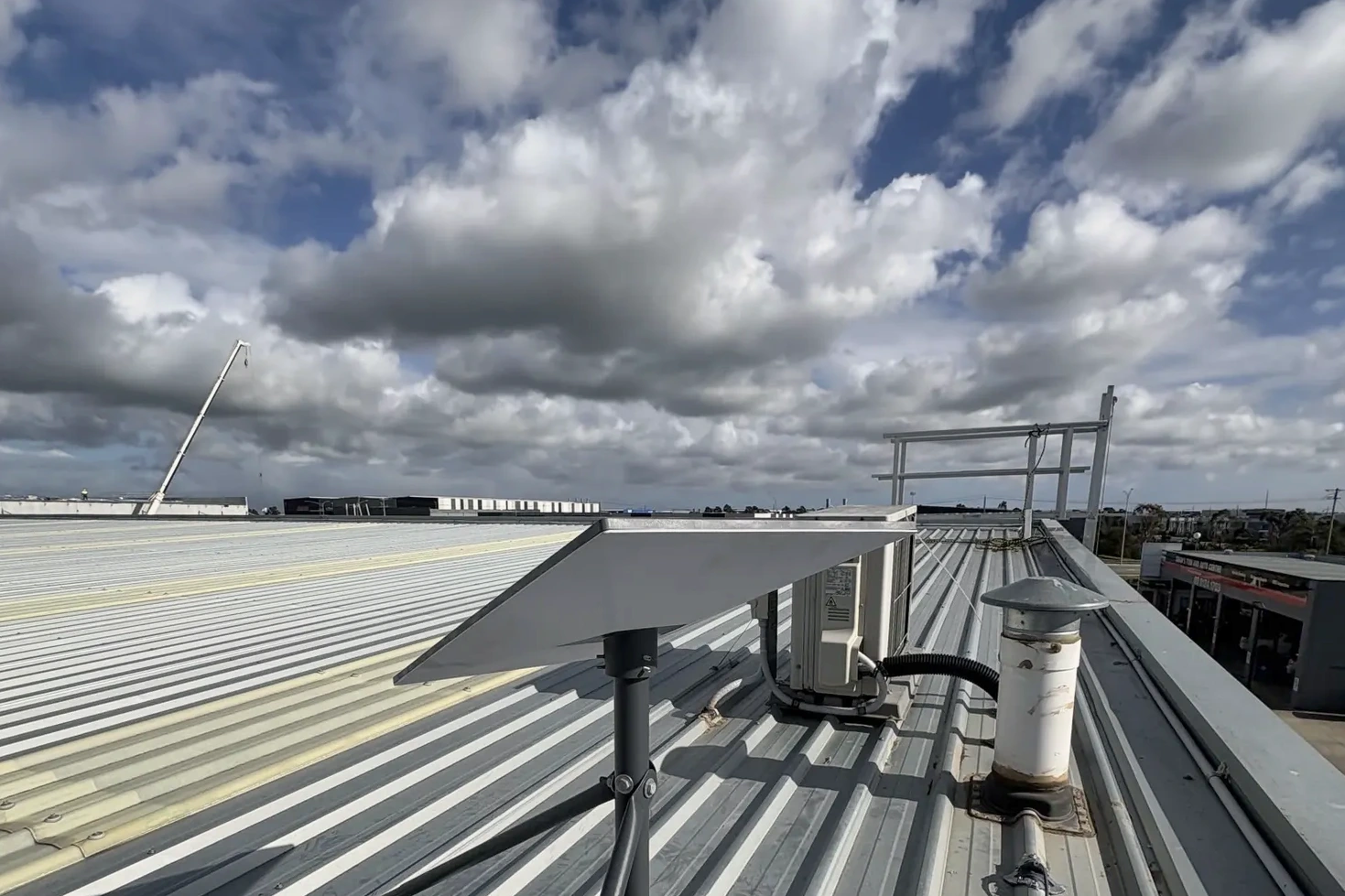
- Backup internet. NBN, Starlink and a 4G or 5G backup router, which we supply and install, set up so the network switches to the backup automatically if the main connection drops.
- New data cabling. We run and terminate new Cat6 cabling to access points, cameras and desks, and between buildings where a cable can reach. Vince holds an ACMA cabling registration, so your data points and network cabling are installed legally and properly.
- Support after the install. Remote monitoring and management of your Omada network, on a yearly support plan.
The equipment we use
Our standard platform is TP-Link Omada. It gives you a gateway, switches and access points managed together from one dashboard, on a phone or computer. We also install Ubiquiti UniFi where a client prefers it or already has UniFi equipment. Switches are TP-Link or Mercusys, chosen to suit the size of the network. Sites that need VLANs use managed TP-Link Omada switches.
How a TP-Link Omada network works explains each part and how they connect.

How a job runs
- Site check. We look at the building, the internet connection, the existing cabling and what the network needs to do.
- Plan. We recommend the equipment and where it goes, and explain why.
- Install and set up. We run the cabling, mount and connect the equipment, set up the networks and test coverage across the site. We can work before opening, after close or on weekends, as we do for horse racing stables, so trade isn't interrupted.
- Hand-over. We show you the dashboard and leave you with a hand-over report: network names, a layout of what was installed and where, and the support options.
Pricing
Every site is different, so we price business networks after a site check. Wireless links between two buildings: $899 installed for the bridge, access points, switches and mounts extra.
Recent commercial work
We built the stables network at Cranbourne and Ballarat, using wireless bridges across the stables at Cranbourne.
Questions
- Do you work with small businesses?
- Yes. We work with small offices, shops, workshops and farms. A small site often needs only a gateway, a switch and two or three access points.
- Which brands do you use?
- TP-Link Omada is our standard. We also install Ubiquiti UniFi when a client prefers it. Switches are TP-Link or Mercusys. Sites that need VLANs use managed TP-Link Omada switches.
- Can you work with our existing internet?
- Yes. We build the network behind the connection you already have, whether that is NBN, Starlink or a mobile service.
- Can we manage the network ourselves afterwards?
- Yes. Omada has a phone app and a web dashboard, and we show you how to use them at hand-over.
- Can you install outside business hours?
- Yes. We regularly work early mornings, evenings and weekends, as we do for horse racing stables, so the work fits around your trading hours.
- Do you offer ongoing support?
- Yes. We can monitor and manage the network remotely and make changes for you, on a support plan.
- Can you add to the network later?
- Yes. Extra Omada access points and switches can be added to the same dashboard later.
Vin Connect isn't endorsed by TP-Link or Ubiquiti. Vin Connect isn't affiliated with Mercusys, Starlink or SpaceX.