
Where home mesh runs out
Starlink Mesh, Deco and Orbi are made for inside one house. They aren't built to carry the internet across a yard to a steel shed. Starlink's own routers are made for indoor use, so they aren't the answer outside either.
What a bigger property needs
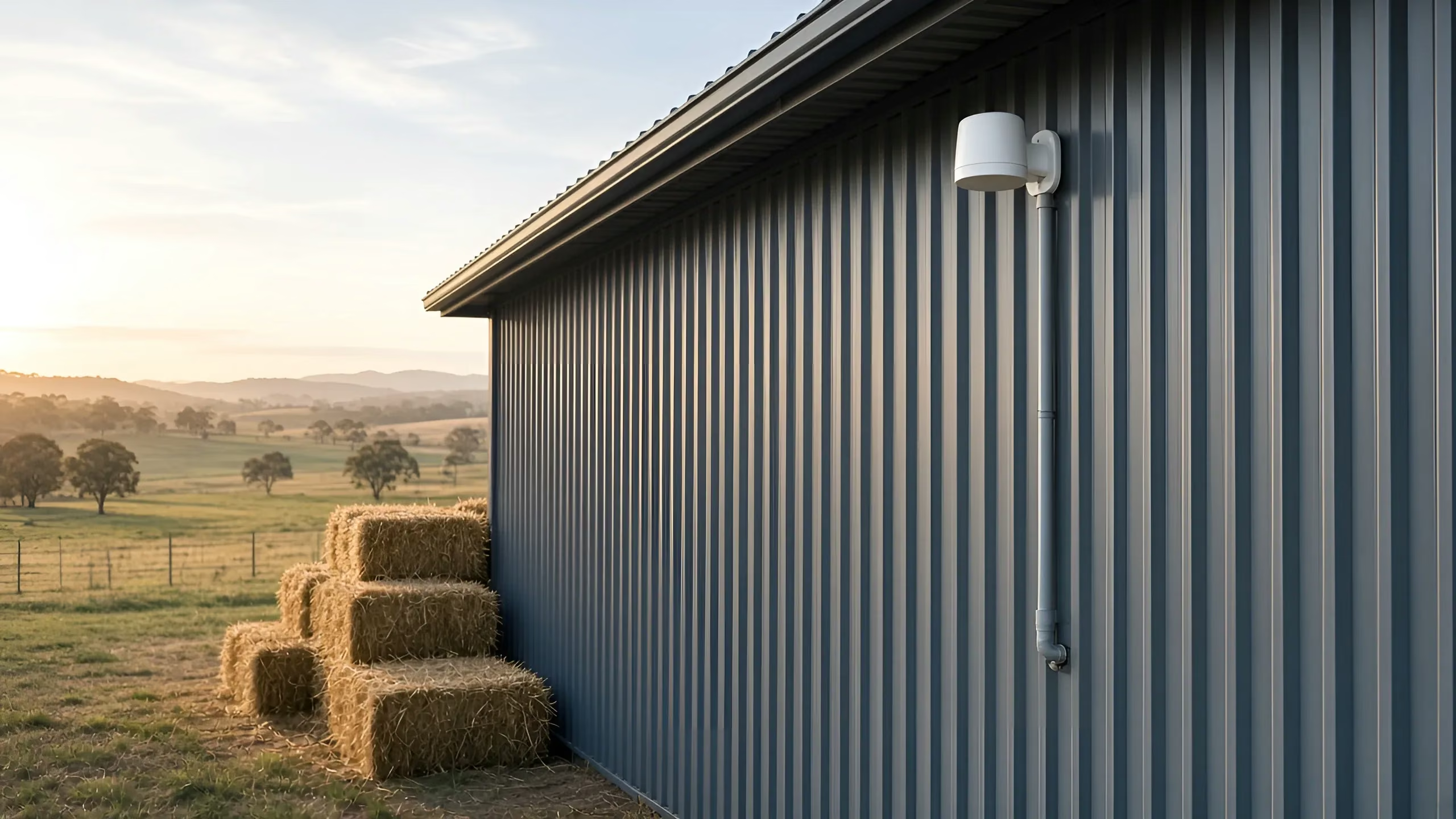
- A way to get the internet to each building. Usually a wireless link: a pair of outdoor radios, one on each building, aimed at each other. If the building is close and the cable path is easy, a cable can do it instead.
- Wi-Fi inside each building. An access point in the shed or workshop.
- One system to run it all. That's where Omada and UniFi come in.
Omada and UniFi
- Omada (from TP-Link): business Wi-Fi, switches and gateways with central management, plus outdoor wireless bridges between buildings.
- UniFi (from Ubiquiti): access points, switches and gateways managed from one app, plus outdoor building-to-building bridges.
Both suit larger properties, sheds, outbuildings and commercial sites. You manage the whole property as one network, instead of separate gadgets in each building.
What every link needs
- Clear line of sight between the two radios. Trees, rooflines and other buildings get in the way. We check it on site before we quote.
- Power at both ends. The radios run from a PoE injector with surge protection, or a surge-protected power board. If a building has no power point where it's needed, a registered electrician installs one.
Here's how a point-to-point link works, and more on Wi-Fi into a shed.
Plan it first
Mark the house, shed and other buildings on the property planner and send it through. Links and Wi-Fi are quoted after a site check, because every property is different. See wireless links and whole-property Wi-Fi, or read Starlink mesh and Wi-Fi extenders, explained.
Questions
Can a mesh system reach my shed? Usually not. Mesh covers one building. A shed needs a wireless link or a cable, then an access point inside.
Why Omada or UniFi for a bigger property? Both make business-grade access points, switches and outdoor bridges, managed as one network. That suits larger properties, sheds, outbuildings and commercial sites.
Does the shed need power? Yes. Each building with a radio or access point needs a power point. If there isn't one, a registered electrician installs it.
Brand names are used only to describe products. Vin Connect isn't affiliated with Ubiquiti (UniFi), Netgear, Starlink or SpaceX, and isn't endorsed by TP-Link or Omada.
Where we work: we're based in Cranbourne and we do this work across Mornington Peninsula, South Gippsland.