
When your own mesh makes sense
Starlink's own mesh routers are the simplest option for most homes. Your own system makes sense if you already own one, or you want features or controls Starlink's routers don't have. If you're choosing from scratch, Deco and Orbi are the two we'd look at first.
How Bypass mode works
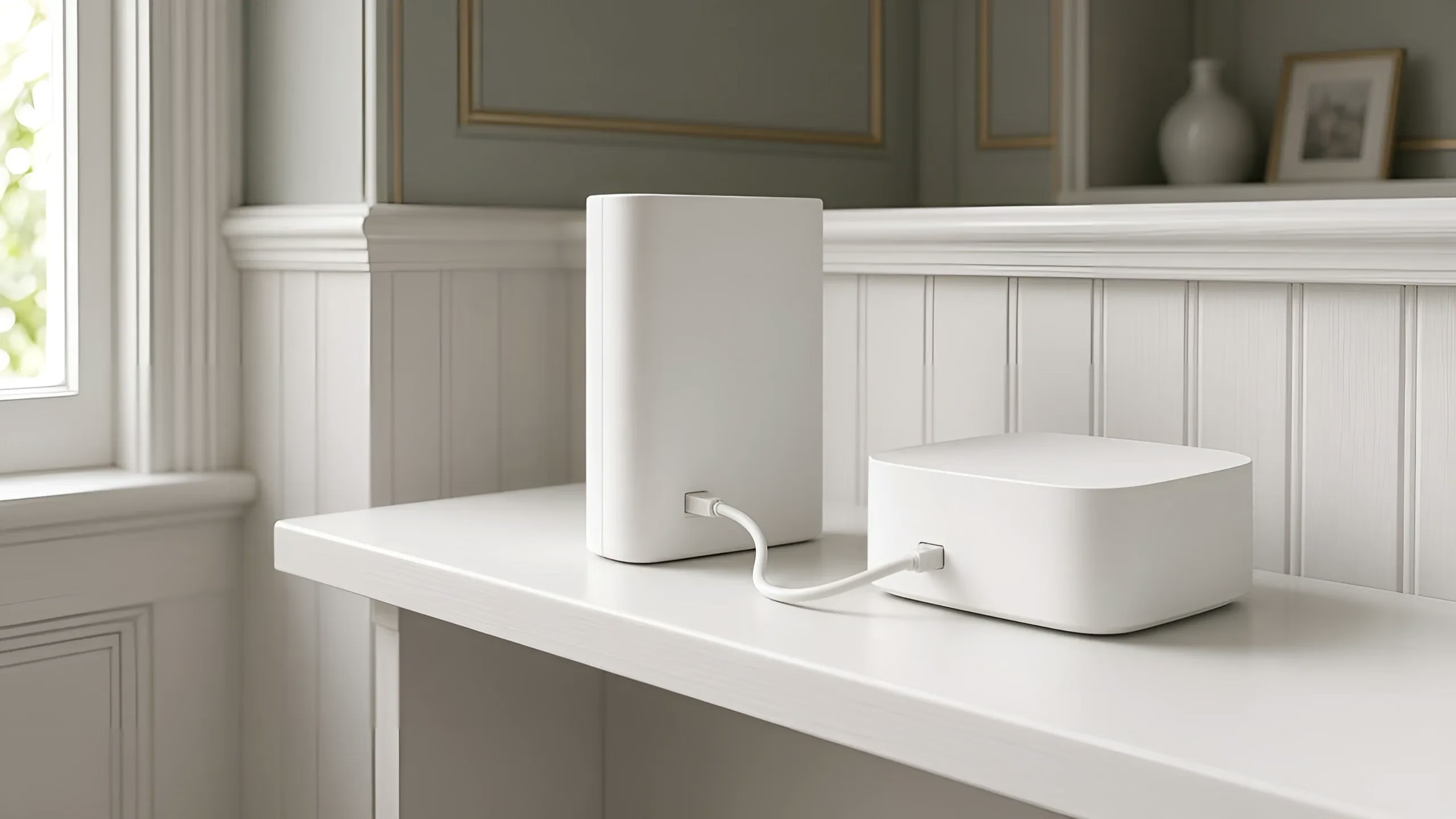
- Connect your mesh system's main unit behind the Starlink router. On Router 3, it plugs into one of the Ethernet ports on the back.
- Open the Starlink app and turn on Bypass mode in Settings.
- The Starlink Wi-Fi switches off, and your mesh system runs the network.
To undo it, you factory reset the Starlink router.
Things to know first
- The older tall Starlink router (glass front) needs Starlink's Ethernet adapter, from the Starlink shop.
- No guarantees from Starlink. Starlink says it can't guarantee how third-party gear performs, and some Starlink app features may not work.
- Don't mix the two. Starlink mesh routers can't join a third-party mesh system. Pick one.
- Router Mini as a Starlink mesh router? Then don't use Bypass mode. Pair it in the Starlink app instead.
The usual options
- TP-Link Deco: TP-Link's mesh system, set up and managed in the Deco app.
- Netgear Orbi: a router plus one or more satellites, managed in an app.
- eero: Amazon's mesh Wi-Fi system.
- ASUS ZenWiFi and AiMesh: AiMesh links compatible ASUS routers into one mesh.
- Google Nest Wifi Pro: set up in the Google Home app.
- Mercusys Halo: one network with one name and password.
For the full picture, read Starlink mesh and Wi-Fi extenders, explained, or see whole-property Wi-Fi.
Questions
Do I need Bypass mode for Deco or Orbi? It's Starlink's method for third-party routers. Connect your system behind the Starlink router and turn on Bypass mode in the Starlink app.
What does Bypass mode turn off? The Starlink router's Wi-Fi. Your own system runs the network. To undo it, you factory reset the Starlink router.
Can I add Starlink mesh routers to my Deco or Orbi? No. Starlink mesh routers can't join a third-party mesh system. Use one or the other.
Brand names are used only to describe products. Vin Connect isn't affiliated with Starlink, SpaceX, Netgear, Amazon (eero), ASUS, Google or Mercusys, and isn't endorsed by TP-Link.
Where we work: we're based in Cranbourne and we do this work across Mornington Peninsula, South Gippsland.