

How to tell them apart
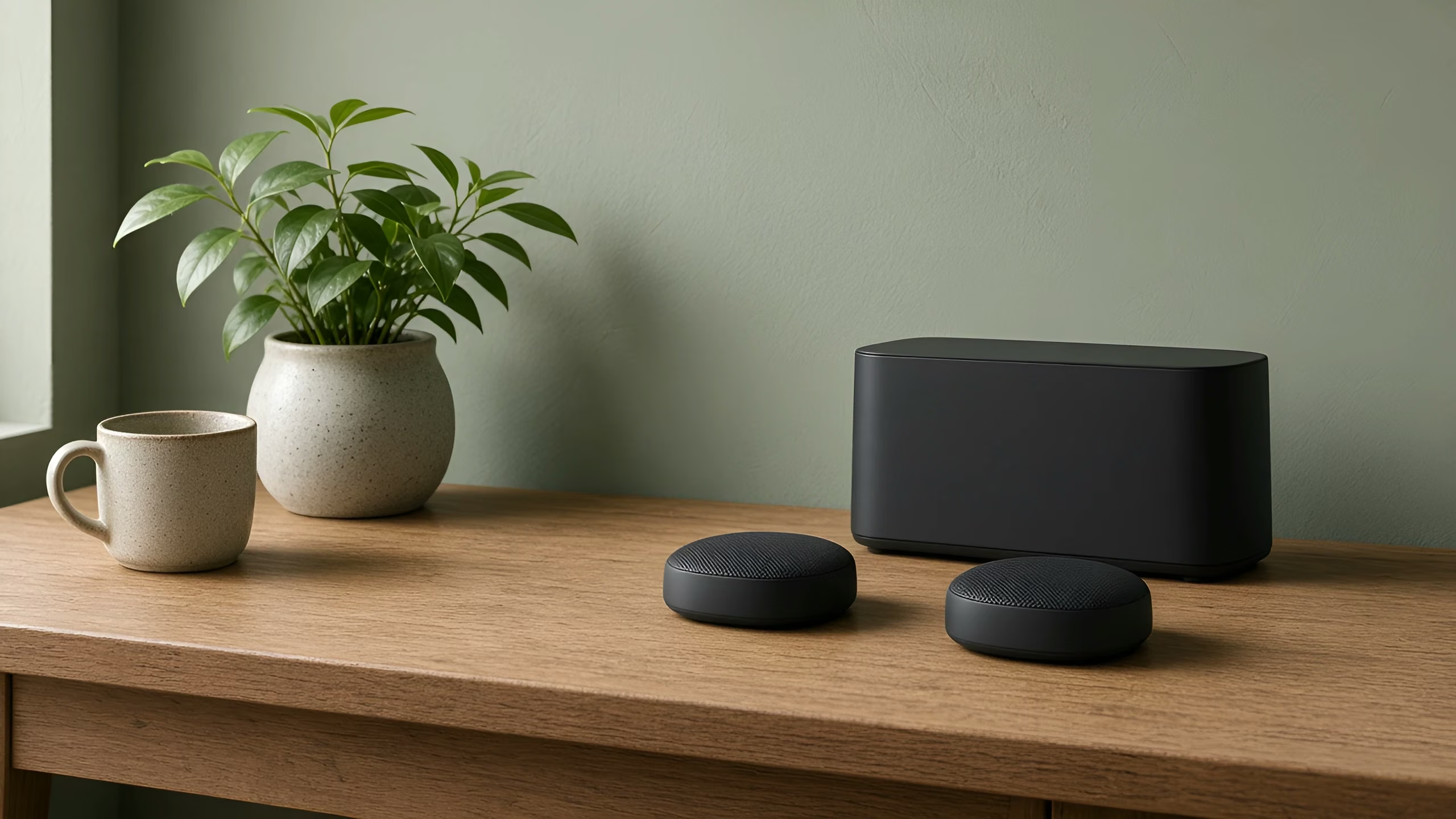
- Router Mini: compact and flat, with a built-in kickstand.
- Router 3: wide, lies flat, with Ethernet ports on the back under a cover.
- The older tall Starlink router (glass front): stands tall rather than lying flat.
- The first Starlink router, the one that came with the round dish: a prism shape.
What each one can do
Router Mini. Some Starlink Standard kits come with Router Mini as the main router. It also works as a mesh router with Router 3, the older tall Starlink router (glass front) and other Router Minis.
Router 3. It comes with other Starlink Standard kits. It works as the main router, or as a mesh router added to another Starlink setup.
The older tall Starlink router (glass front). It meshes with Router 3 and Router Mini. If it's the router that powers your dish, it has to stay the main router. To connect your own router, you need Starlink's Ethernet adapter.
The first Starlink router, the one that came with the round dish. It doesn't support Starlink mesh.
Mixing and matching
Starlink's current routers mesh with each other, so you can add a Router Mini to a Router 3 home, or the other way round. Starlink mesh routers can't join a third-party mesh system like Deco or Orbi, though. Pick one system.
For setup steps and placement, read Starlink mesh and Wi-Fi extenders, explained.
Questions
Can Router Mini be my main Starlink router? Yes. Some Starlink Standard kits come with Router Mini as the main router. It also works as a mesh router.
Does my old Starlink router support mesh? The older tall Starlink router (glass front) does. The first Starlink router, the one that came with the round dish, doesn't.
Can I mix Router Mini and Router 3? Yes. Starlink's current routers mesh with each other. They can't join a third-party mesh system.
Brand names are used only to describe products. Vin Connect isn't affiliated with Starlink, SpaceX or Netgear, and isn't endorsed by TP-Link.
Where we work: we're based in Cranbourne and we do this work across Mornington Peninsula, South Gippsland.